What this article covers
From building the ZumiLabs Content Hub. Browse the courses, free, no sign-up.
The Content Hub has 243 videos across its courses: explainers of 7 to 10 minutes and shorts of about 90 seconds. Every one has its own page, a poster image, captions and a transcript. Google Search Console looked at the site and reported:
Discovered pages: 2,032. Discovered videos: 0.
Nothing was broken. The video pages were in the sitemap, and they were crawlable and indexed as pages. Google just had no structured way to know that each one was a video, what it was about, or where the file was. This is what it needed, and how we generate it so it can't drift.
Two signals, not one
Google can learn about a video in two ways, and it helps to send both:
- Structured data on the page: a
VideoObjectin JSON-LD describing the video the page shows. Google reads it when it crawls the page. - Video tags in the sitemap: the same facts attached to the page's sitemap entry. Google reads them when it reads the sitemap, often before it recrawls each page.
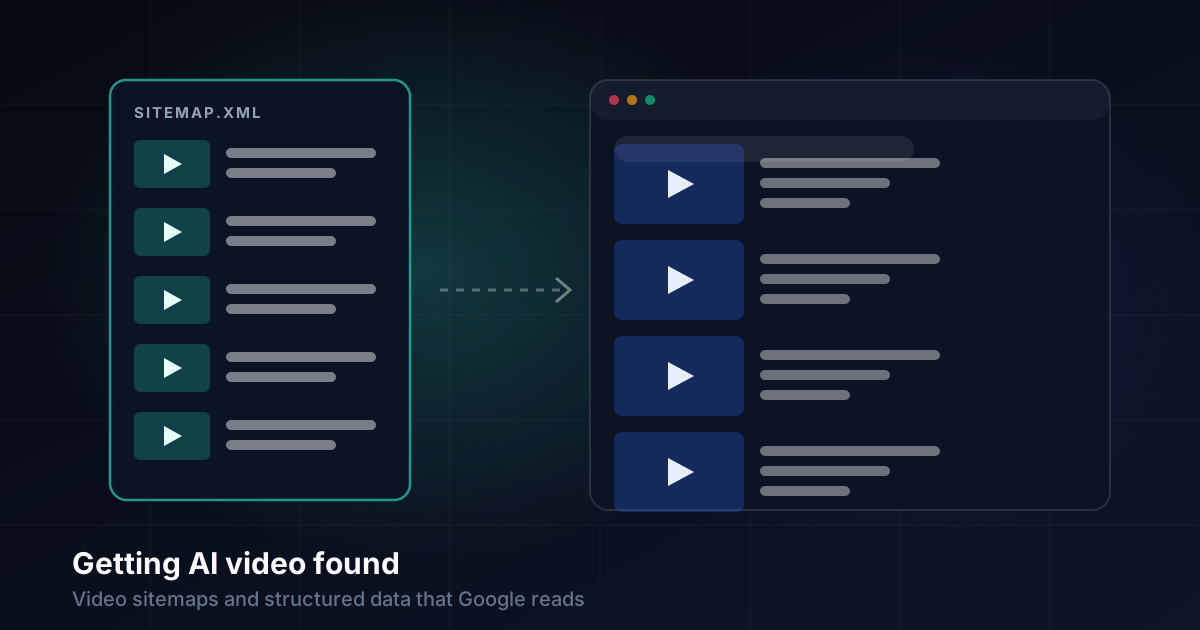
Our video pages already had the first. The sitemap was the gap. Each entry listed the page's address, date and priority, which is all a sitemap needs for an ordinary page. For a video page, that tells Google nothing about the video.
What Google needs for each video
Video sitemap entries use Google's video: namespace inside a normal sitemap. The tags that matter:
| Tag | Required | What we put in it |
|---|---|---|
thumbnail_loc | Yes | The video's poster image |
title | Yes | The video's own title, not the series name |
description | Yes | The same description as the page (up to 2,048 characters) |
content_loc or player_loc | One of them | The MP4 file's address |
duration | No | Length in whole seconds (1 to 28,800) |
publication_date | No | The date the video was made |
family_friendly | No | yes |
tag | No | The topic's tags (up to 32) |
One entry now looks like this:
<url>
  <loc>https://zumilabs.com/content/topic/ux-laws-and-principles-00/video/v2/</loc>
  <lastmod>2026-11-18</lastmod>
  <video:video>
    <video:thumbnail_loc>…/poster-v2.jpg</video:thumbnail_loc>
    <video:title>Why "Clean" UI Feels Exhausting to Use</video:title>
    <video:description>Video: Why "Clean" UI Feels Exhausting…</video:description>
    <video:content_loc>…/media/video-2.mp4</video:content_loc>
    <video:duration>94</video:duration>
    <video:publication_date>2026-11-19</video:publication_date>
    <video:family_friendly>yes</video:family_friendly>
    <video:tag>UX Laws and Principles</video:tag>
  </video:video>
</url>
The urlset element also has to declare the namespace: xmlns:video="http://www.google.com/schemas/sitemap-video/1.1". Without it, the tags are invalid XML and the whole sitemap can be rejected.
One source for both
The risk with two signals is that they disagree: a title fixed on the page but not in the sitemap, or a new video with structured data and no sitemap entry. So neither is written by hand.
The site is static, and both are generated at build time from the same topic data. The video page builds its VideoObject from a video's title, file, duration, poster and date, and the sitemap builds its video:video block from exactly the same fields. Both use the same helper for the description:
// A description for a video that has none of its own.
itemDescription('Video', title, topic, video.description)
// → "Video: Why "Clean" UI Feels Exhausting to Use. Part of …"
When a video title is corrected, both change in the next build. When a new series is published, its videos appear in both with no extra step.
A few details that are easy to get wrong:
- Escape everything. Titles contain quotes and ampersands. One unescaped
&makes the whole sitemap invalid XML. - Round the duration. Google wants whole seconds, and our durations were measured to fractions.
- Skip a video rather than send a broken entry. A video with no file or no picture gets an ordinary page entry and no video block.
- Use a picture Google can fetch. Each poster is a plain JPEG at a public address on the same site.
Checking it before Google does
Search Console takes days to report back, so we check the output ourselves first:
- Parse the built sitemap as XML. It must load without errors.
- Count: every video page must have exactly one video block (243 of 243).
- Check every video block has a thumbnail, title, description, file, duration and date.
- Check every thumbnail address points at a file that exists in the build.
- After deploying, fetch the live sitemap the way a crawler would and check its status, content type and counts.
Submitting and waiting
Our root sitemap is an index pointing at each section's sitemap, and robots.txt points at the index. So the new video tags didn't need anything new submitting. Google would find them the next time it read the content sitemap.
"The next time" is the catch. Google retired its old sitemap "ping" address in 2023, and Search Console showed our sitemap last read days before the change. Resubmitting the sitemap in Search Console queues it to be read again. It doesn't make it happen immediately: the status shows the new submission date next to the old read date until Google gets to it.
At the time of writing, Google hasn't reread it yet. We'll update this article with the discovered video count when it does.
The checklist
Mark up the page: a VideoObject with name, description, thumbnail, upload date, duration and content URL.
Mark up the sitemap: a video:video block on each video page's entry, with the namespace declared.
Generate both from one source, so they can't disagree.
Make the video the main thing on its page. Google indexes videos on pages built around them.
Validate before you deploy, and check the live file after.
243 videos, now visible to search
Free video courses on AI, web architecture, security, data, privacy, design, accessibility and UX, each with explainers, shorts, audio overviews, slide decks and transcripts.
Browse the courses