What this article covers
From building the ZumiLabs Content Hub, with ZumiScribe. Browse the courses, free, no sign-up.
Every episode in our video courses has a long audio overview, a discussion of 30 to 50 minutes, and an explainer video of 7 to 10 minutes. Both need text: a transcript for the audio and captions for the video. Text serves people who are deaf or hard of hearing, people who would rather read, anyone searching for a phrase they half remember, and search engines, which can't listen.
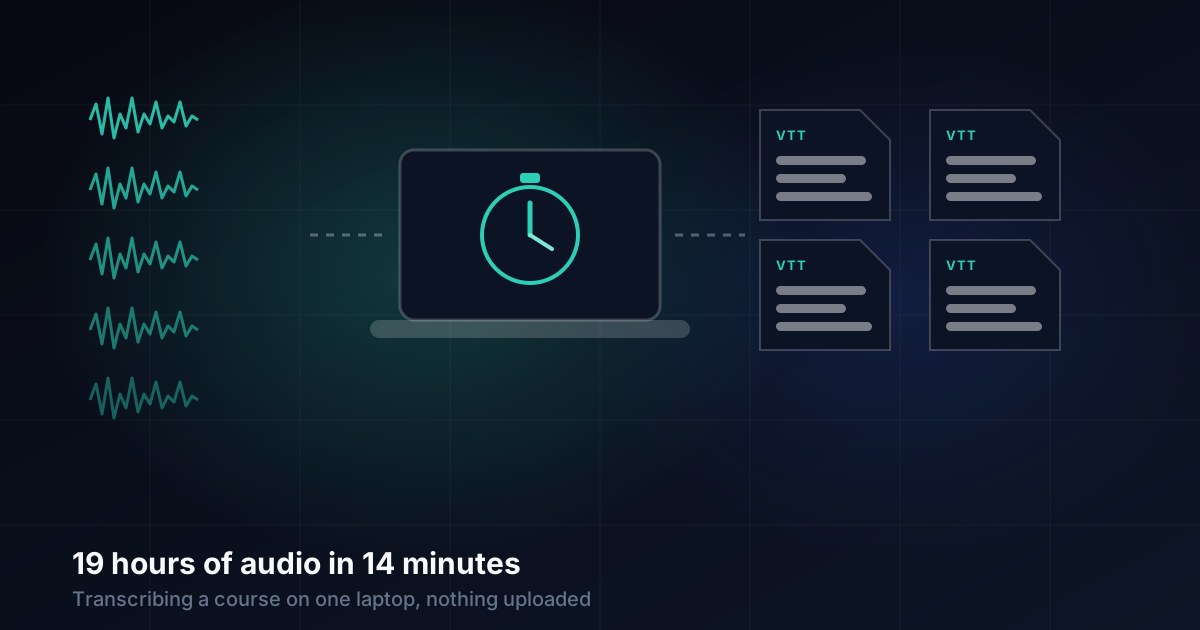
Our two newest series, Digital Accessibility and UX Laws and Principles, needed 42 files transcribed: 21 audio overviews and 21 explainers. That's 18.8 hours of audio. We did it on one Mac, with nothing uploaded, in 13.6 minutes of processing time.
The numbers
| Digital Accessibility | UX Laws and Principles | Total | |
|---|---|---|---|
| Files | 26 | 16 | 42 |
| Audio | 11.7 hours | 7.1 hours | 18.8 hours |
| Processing time | 13.6 minutes for all 42 | about 83 × real time | |
| Longest file | 63.5 minutes of audio, transcribed in 40 seconds | ||
The machine was an Apple M5 Max with 128 GB of memory, so these are best-case figures. The engine was ZumiScribe's local engine: NVIDIA's Parakeet model for the words and a separate speaker model, Who, to tell voices apart. Every timing above comes from ZumiScribe's own record of each file, which saves the audio length and how long the transcription took.
Why local
Cloud speech services are good, and we have compared ten of them. For this job, local won for plain reasons:
- Cost. Nineteen hours at a per-minute rate adds up, and every future series adds more. Local costs nothing per file.
- No upload. Hours of audio didn't have to travel anywhere, and nothing was waiting on an upload bar.
- Speed. At about 83 times real time, the transcription took less time than listening to the shortest audio overview in the set.
The course audio isn't private, so privacy wasn't the deciding factor here. But it's the same setup we'd use for a recording that was. Read how on-device transcription works for the engineering behind it.
Choosing what to transcribe
Not everything went in. For each series we transcribe:
- Every audio overview. These are the longest items and the hardest to skim, so a transcript helps most.
- Every video longer than 150 seconds, which means the explainers.
The shorts, at around 90 seconds each, are left out for now. Anything that already has a transcript is skipped too, so the folder only ever holds new work.
The selected files are gathered into one folder per series, named after the episode and the item: ux-laws-and-principles-03--podcast-1.m4a, ux-laws-and-principles-03--video-1.mp4. The folder holds hard links to the original files, not copies, so seven hours of media take no extra disk space and nothing can drift out of date.
Speakers for free
A transcript of a two-person discussion is much easier to read when it says who is talking. The speaker model labelled every file without any setup:
- All 21 audio overviews came back with exactly two speakers, which is right: each is a conversation between two hosts.
- All 21 explainers came back with exactly one, which is also right: each has a single narrator.
We were told nothing about the number of speakers in advance. Getting the count right on all 42 files is a good sign the labels within each file are sensible too, though we haven't checked every line.
From transcript to page
Each file produces two outputs: a detailed JSON record with words, timings, speakers and confidence, and a WebVTT file that browsers understand directly:
WEBVTT
NOTE ux-laws-and-principles-01--podcast-1

1
00:00:00.160 --> 00:00:01.360
<v Voice 1>Picture this.

2
00:00:01.360 --> 00:00:04.560
<v Voice 1>You are logging into a brand
new educational portal.
The WebVTT file comes back with the same name as its media, so the course site's import step can match it to the right episode and item by name alone. There's no spreadsheet of which transcript goes where: the file name is the mapping.
On the site, a video's file becomes its captions track, which the player can show and hide. An audio overview's file becomes a readable transcript under the player. Both are small text files, so they're stored with the course pages rather than next to the media.
Limitations
- It's English. All 42 files were in English. The local engine handles some other languages, but we haven't measured them on course audio.
- The machine is fast. On a smaller Mac, expect slower times. We haven't measured one yet.
- Nobody has proofread all 19 hours. Spot checks read well, but names and technical terms (such as "Fitts's law" or "Prägnanz") are where any speech engine slips first.
What I would tell someone doing the same
Transcribe the long items first. That's where text helps readers most.
Name files so they explain themselves. Episode and item in the name means no mapping file to maintain.
Link, don't copy. A folder of hard links costs no disk space and can't go stale.
Try local before paying per minute. For clear, recorded speech, a local engine on a recent Mac is fast enough that the cloud's main advantage disappears.
Transcripts that know who said what
Live captions, speaker labels and summaries in your browser, with a local engine that keeps audio on your computer. There is no ZumiScribe server.
Try ZumiScribe