ZumiLabs
November 20, 2026
What runs on your computer, what doesn't, and why "by default" matters: a plain account of where your data goes in every ZumiLabs tool.
ZumiLabs
November 20, 2026
A guide for product teams: the costs of cloud-only tools that never appear on the invoice, and the questions to ask before your team's files go into one.
Content Hub
November 20, 2026
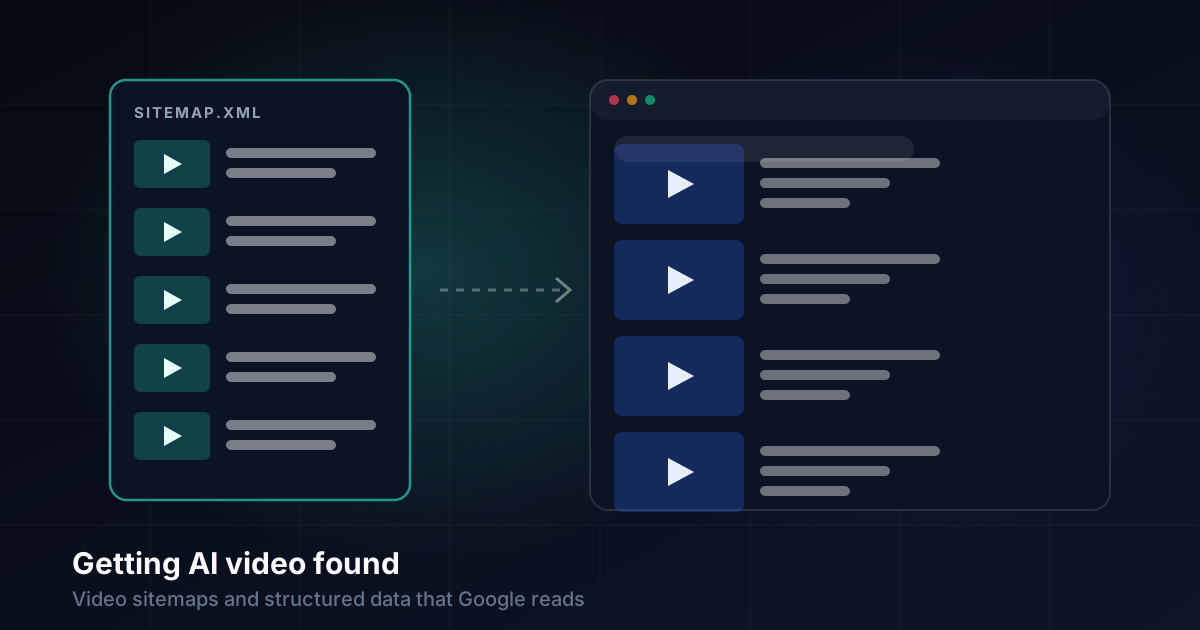
Search Console said our site had 0 videos. How we fixed it with VideoObject structured data and video sitemap tags for 243 videos, built from one source.
Content Hub
November 20, 2026
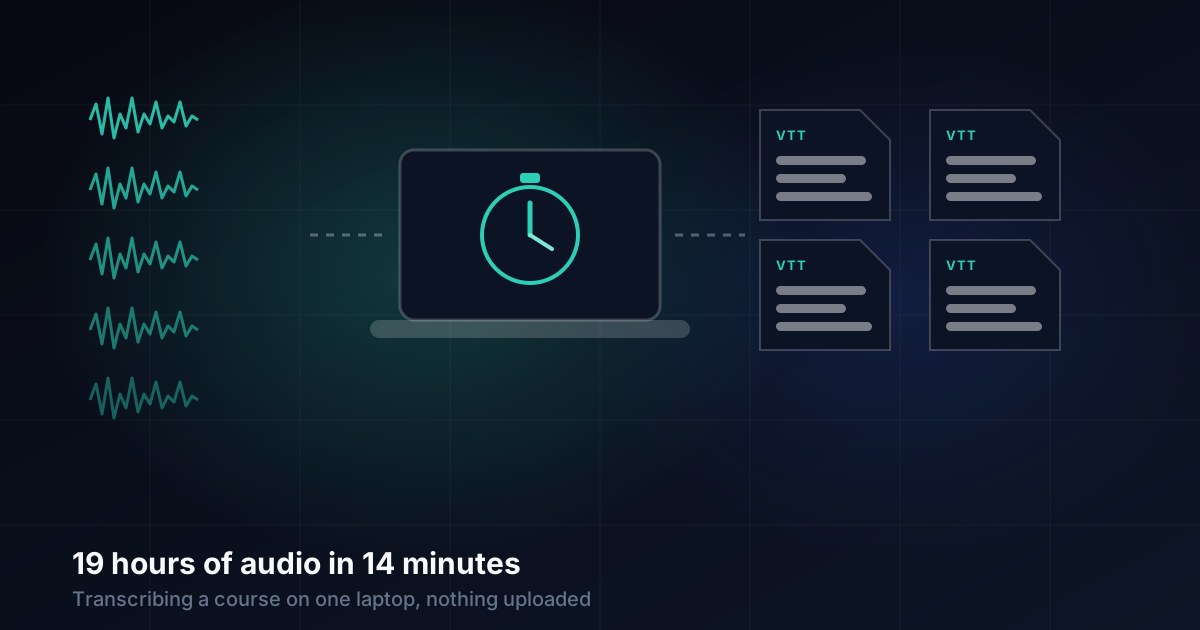
Two course series, 42 files and 18.8 hours of audio transcribed on one Mac with ZumiScribe's local engine, with speakers, in 13.6 minutes. No upload.
ZumiForge
November 20, 2026
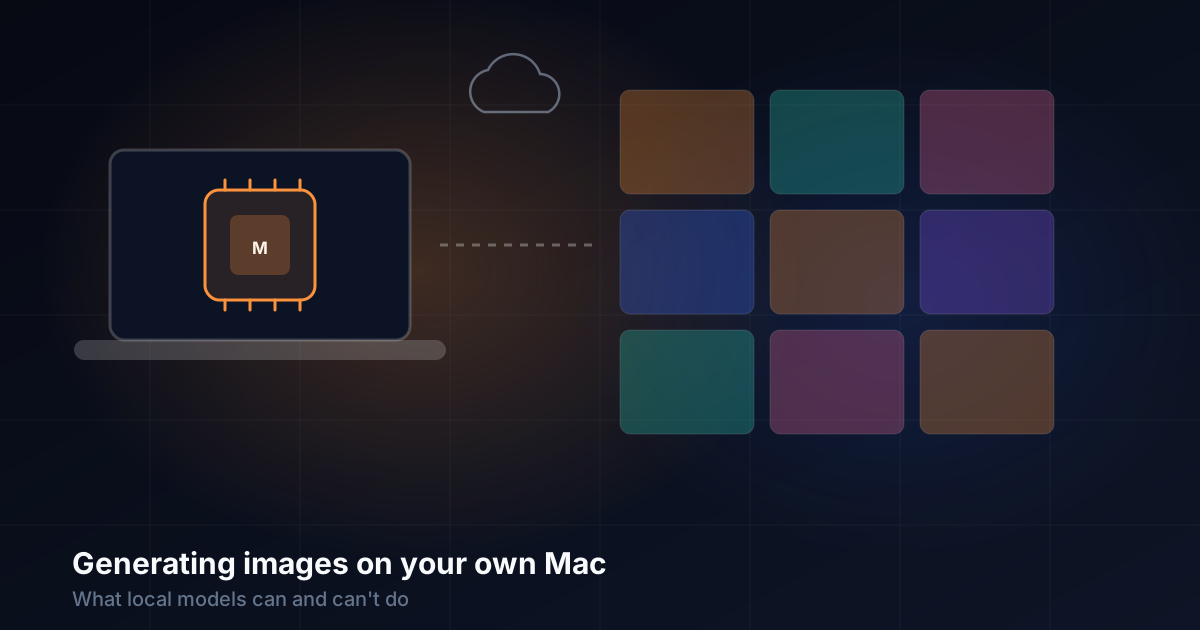
Real timings from 2,444 ZumiForge jobs: how fast local image models run on Apple silicon, where they match the cloud, and where they still fall short.
ZumiForge
November 20, 2026
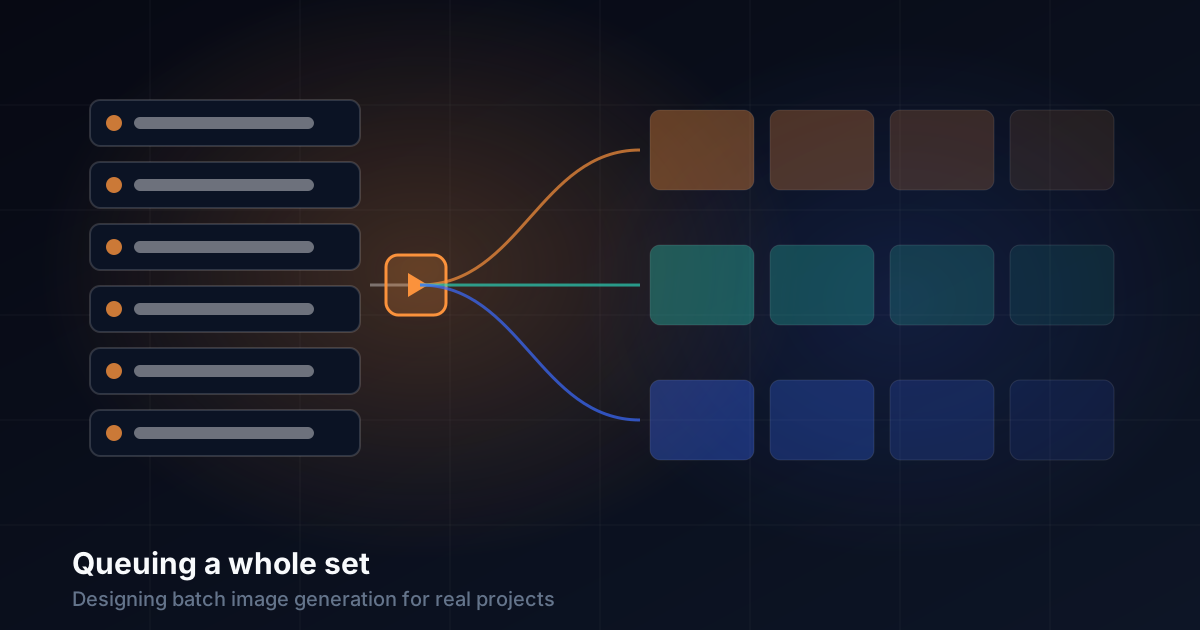
Most real image work is a set, not a single picture. The design decisions behind ZumiForge's queue: one row per prompt, parallel queues, exact retries and a job record you can trust.
ZumiForge
November 20, 2026
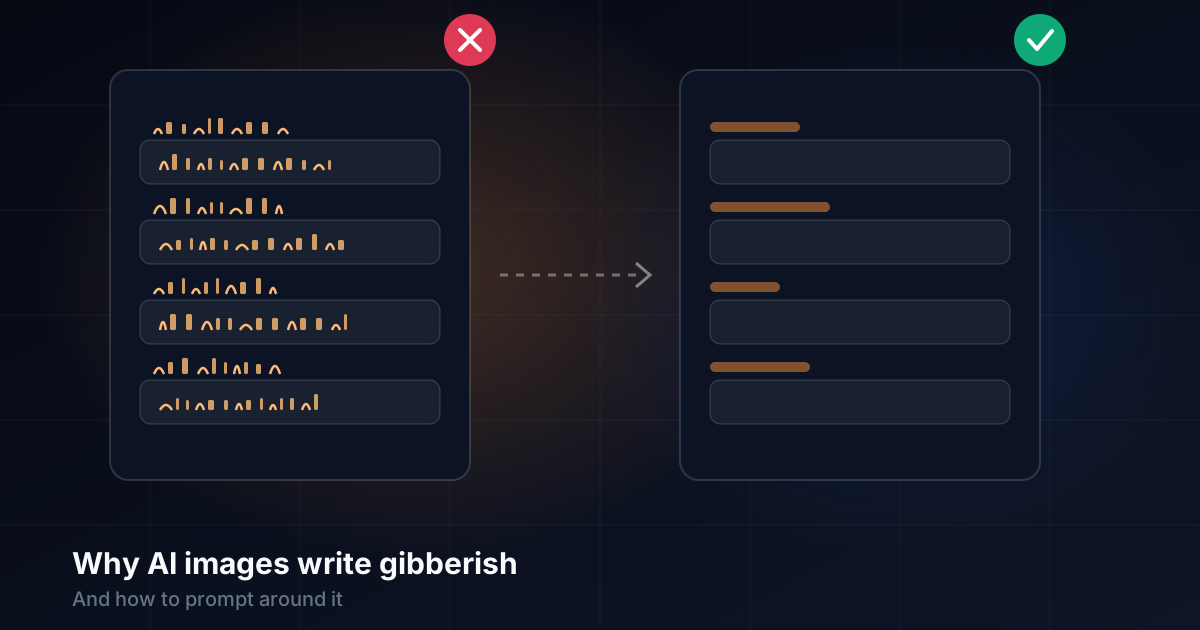
Three of our course thumbnails came back covered in fake letters, even though every prompt said "no text". Why it happens, and the prompting changes that stopped it.
Design & UX
November 20, 2026
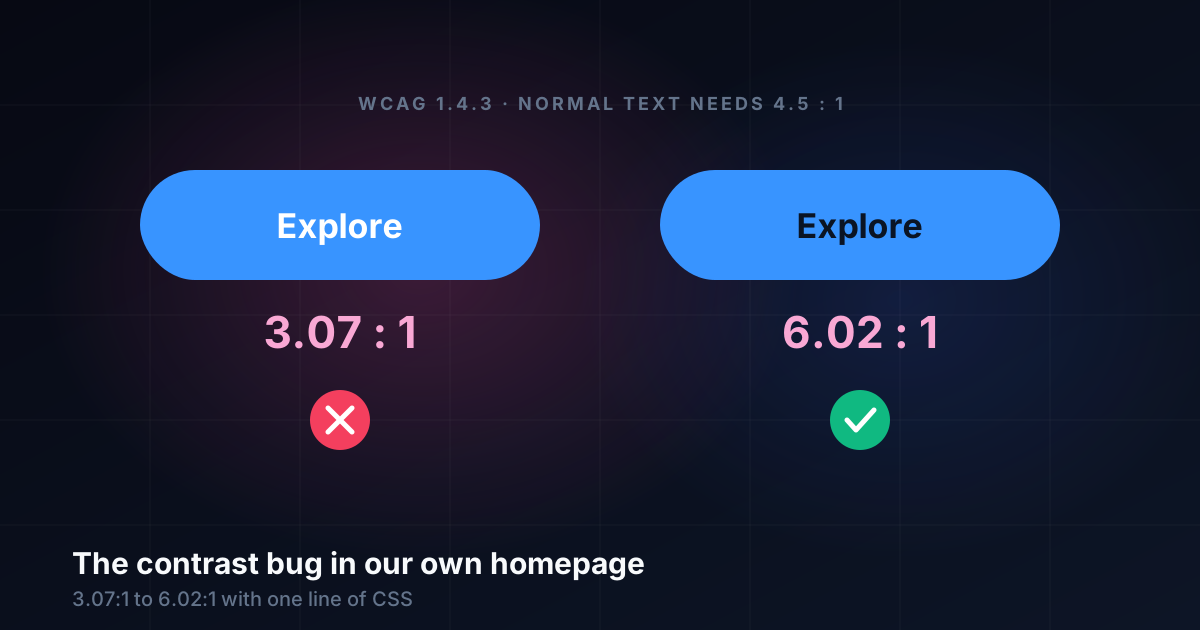
A new homepage button had white text on bright blue at 3.07:1, below WCAG's 4.5:1. How we caught it, how the ratio is worked out, and the one-line fix.
Design & UX
November 20, 2026
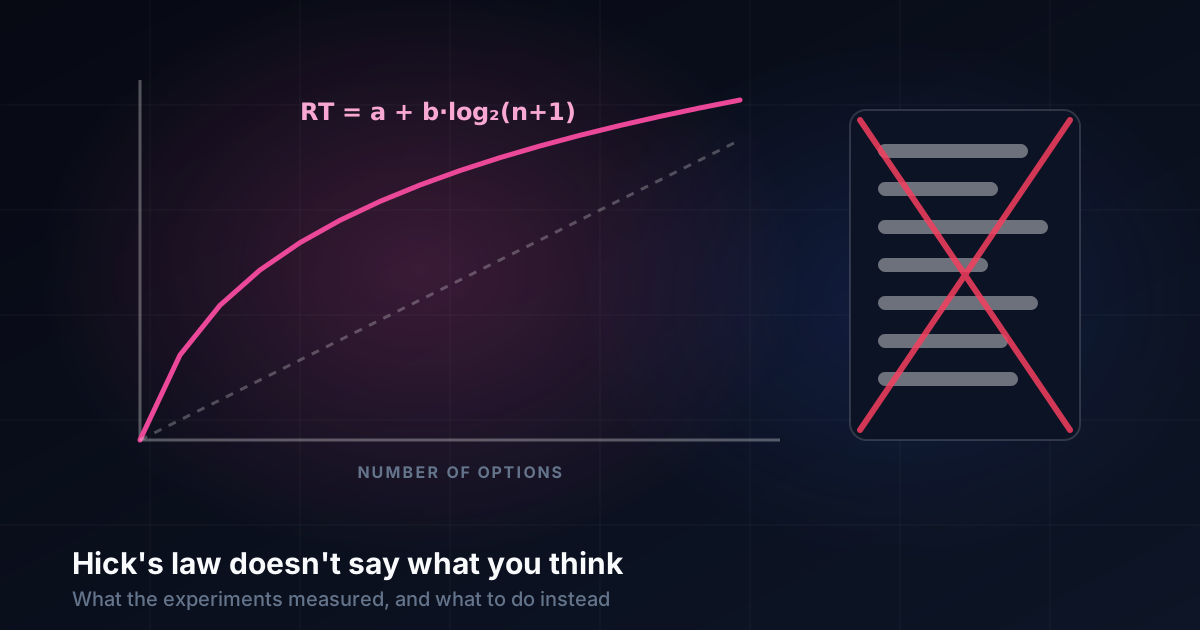
Hick's law is quoted to justify short menus and fewer options. What the 1952 experiments measured, where the formula applies, and what to do about choice instead.
Design & UX
November 20, 2026
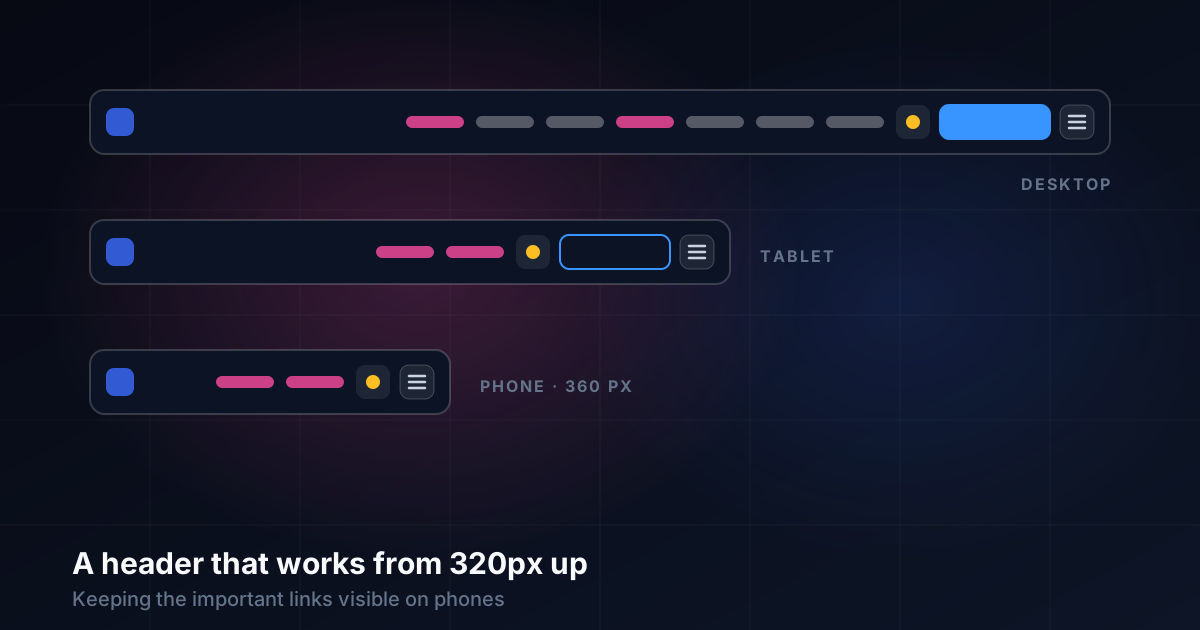
Our header hid every link behind a burger below 1,100px. How we kept Tools and Learn visible on phones, quietened the call to action, and tested every width.
ZumiScribe
November 15, 2026
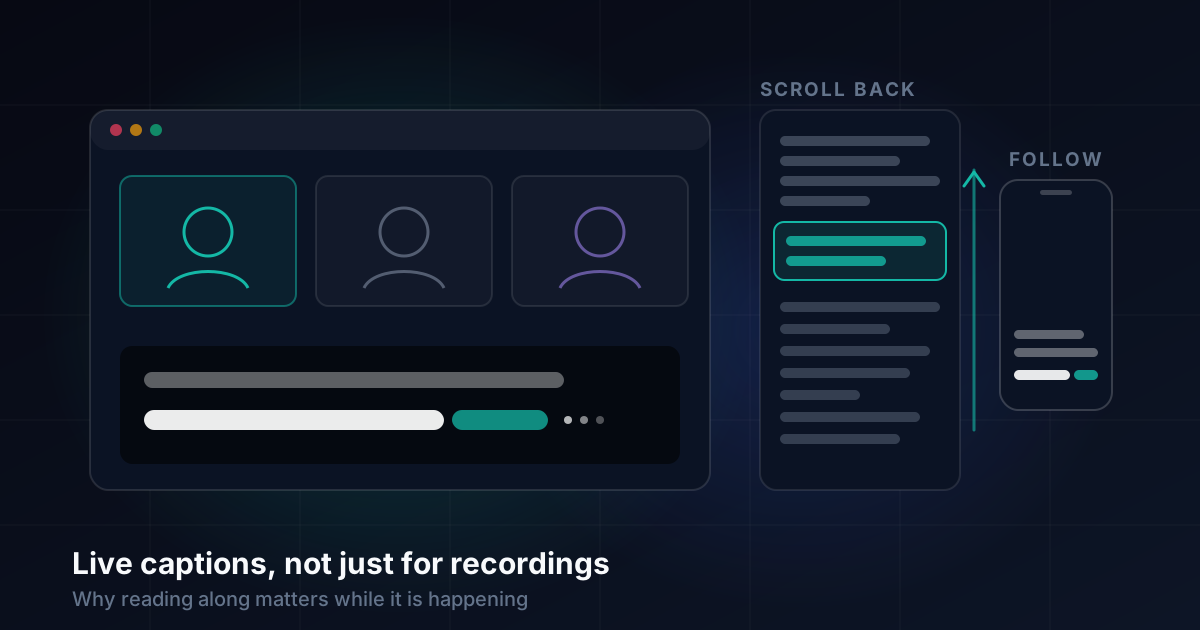
Why live captions and transcripts matter in meetings and lectures, not just recordings, and the design choices behind captions people can actually read.
ZumiScribe
November 15, 2026
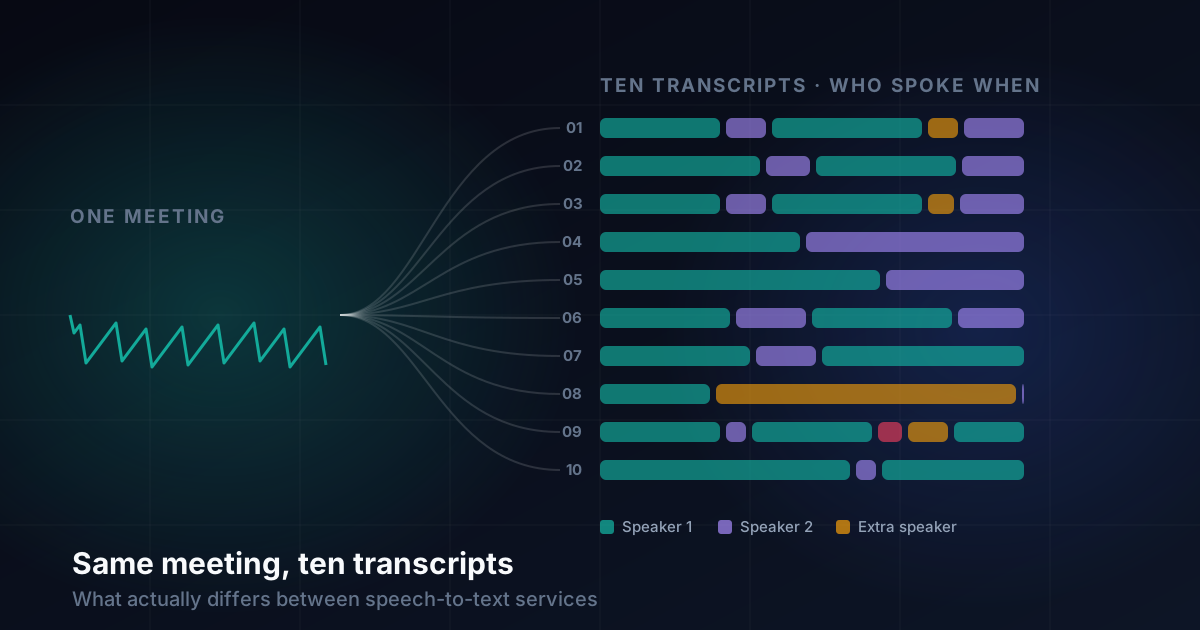
One meeting recording through ten speech-to-text services: the words were similar, but speakers, short replies, punctuation and timing were not.
ZumiScribe
November 15, 2026
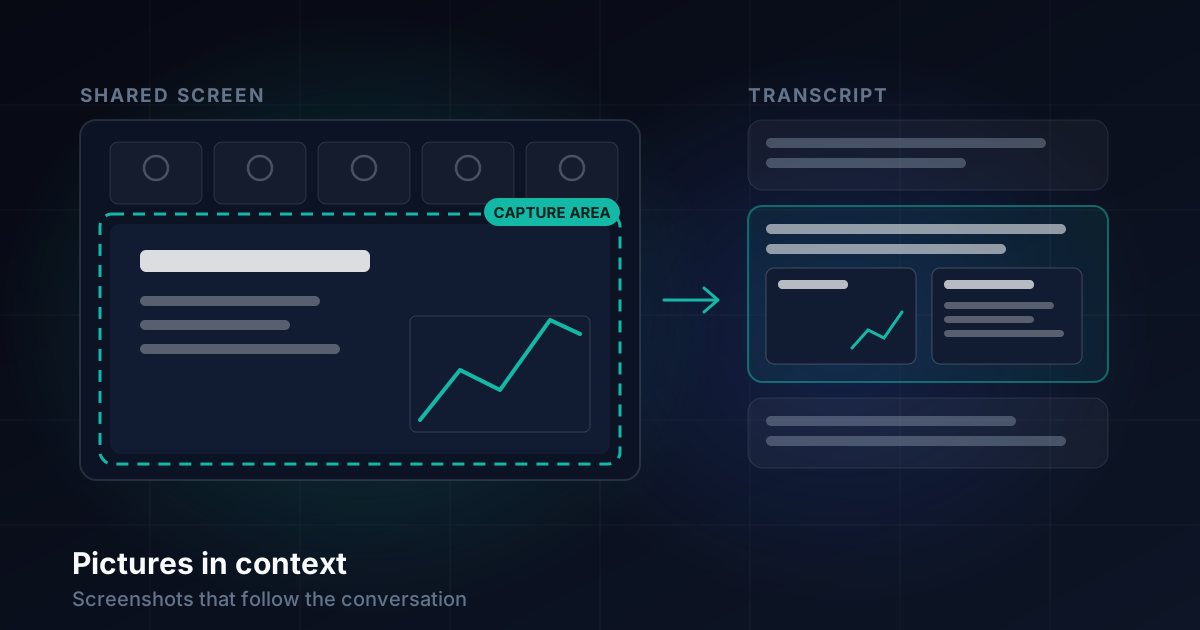
Capturing slides automatically during a meeting and placing each picture next to what was being said, plus phone photos, exports and privacy.
ZumiScribe
November 15, 2026
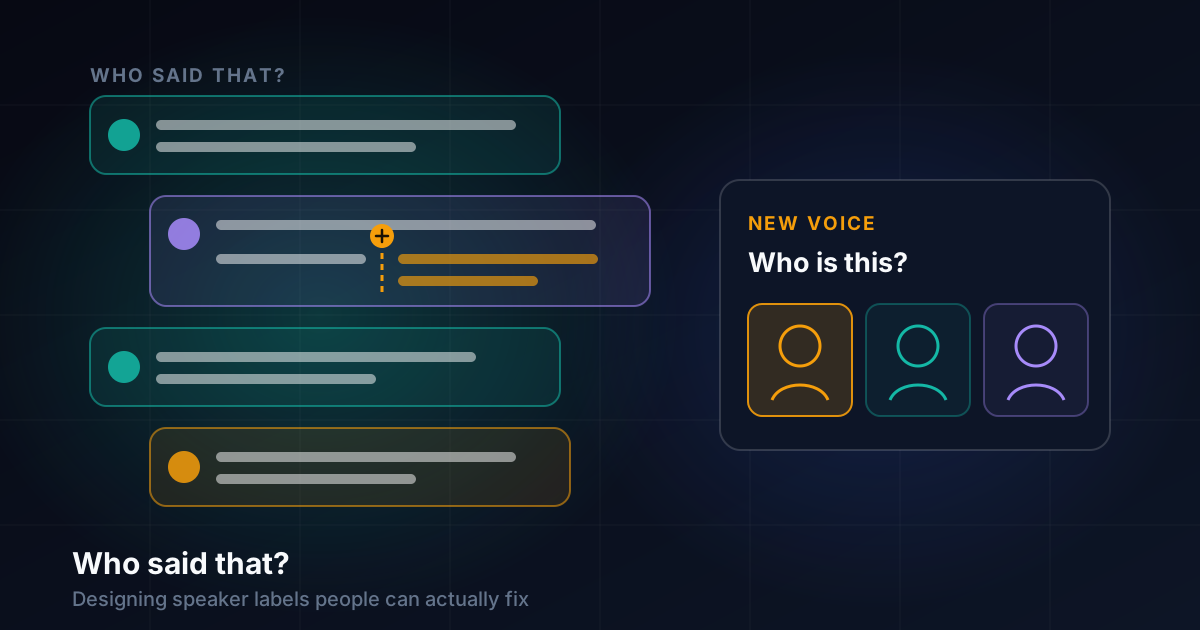
Speech engines hear words well but lose track of who is speaking. How we designed speaker labels that people can fix while recording and afterwards.
ZumiScribe
November 15, 2026
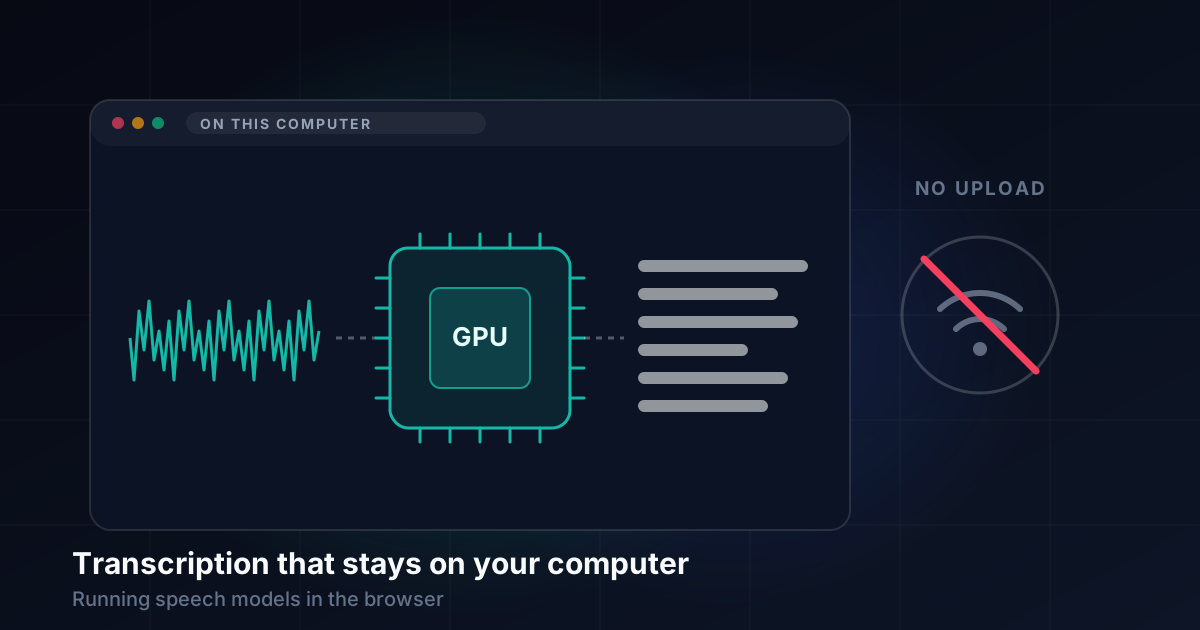
What we learned running speech models in the browser so audio never leaves the computer: GPU checks, workers, memory, languages and long files.
ZumiScribe
November 15, 2026
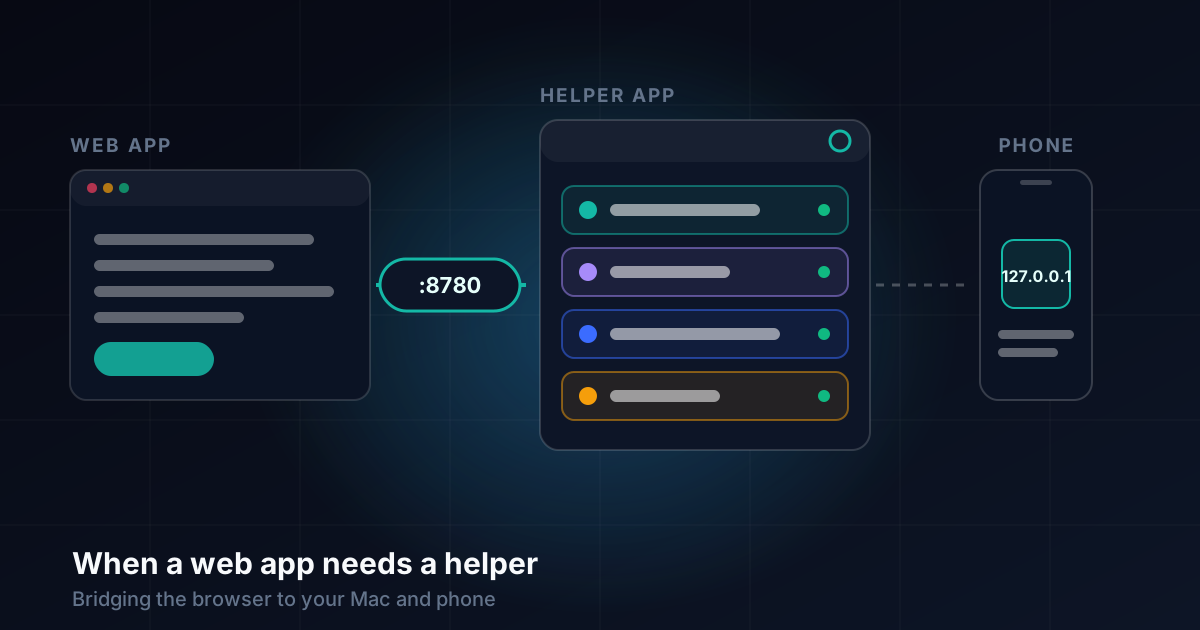
Why a browser-based transcriber needed a small helper app on the Mac and Android, and how one local port, setup checks and permissions made it work.
ZumiScribe
November 15, 2026
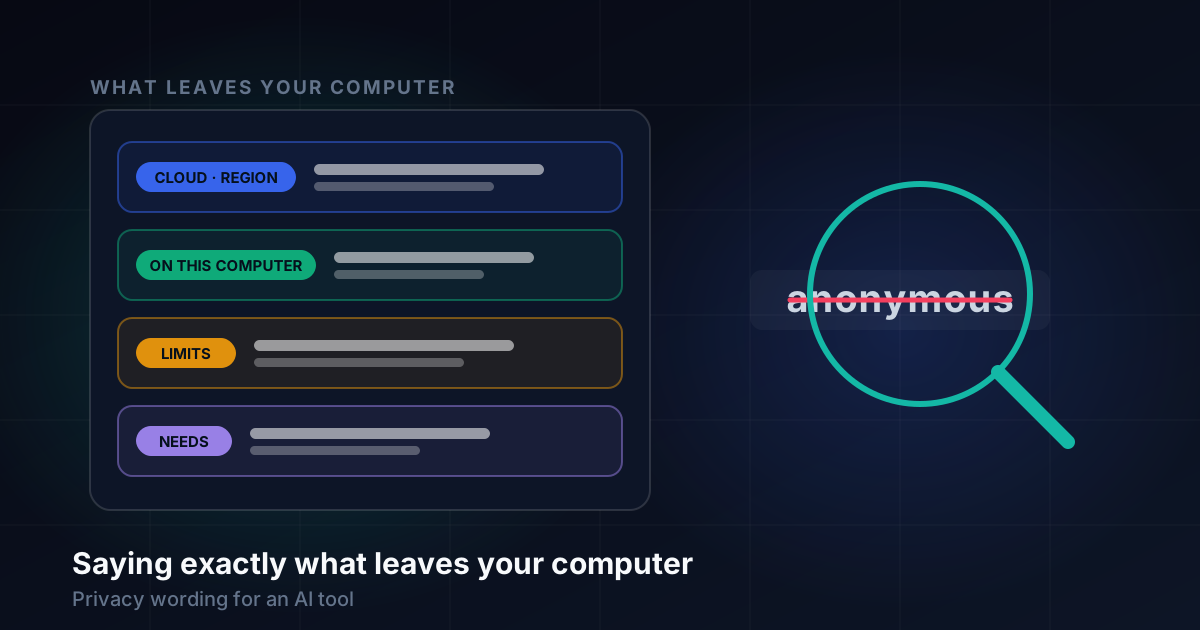
Why we stopped calling a usage report anonymous, and how we turned privacy claims into plain facts: what is sent, to whom, how often, and where.
Experiments
September 1, 2026
Why prompt-and-pray AI produces fragile UI spaghetti, and how engineering a mathematical token compiler transforms autonomous AI into a reliable, manageable, and editable design partner.
Experiments
August 27, 2026
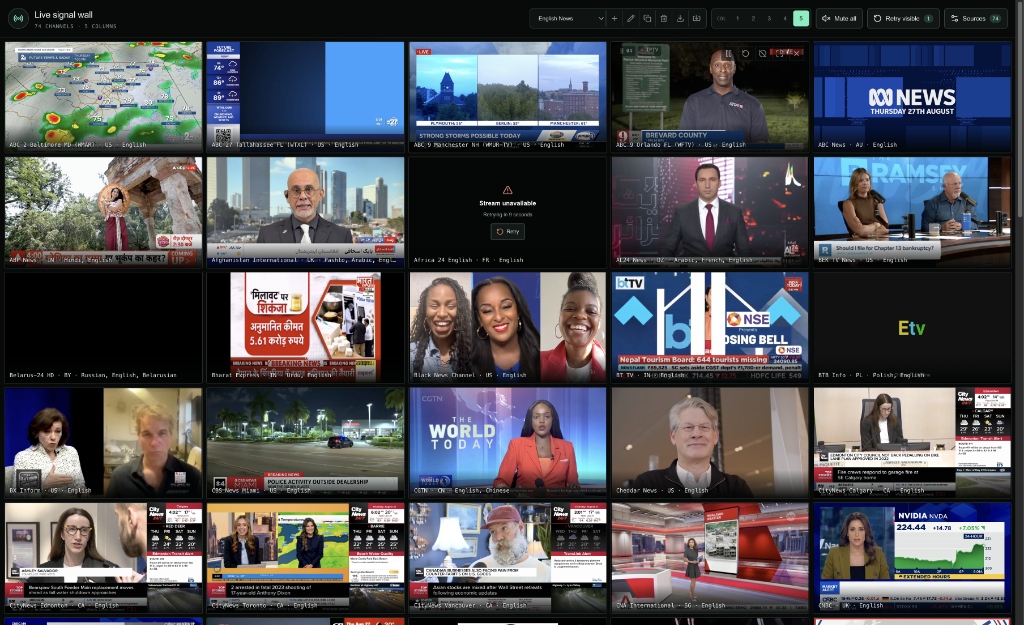
How we built a high-density, real-time news monitoring wall in pure React/Vite using non-destructive HLS virtualization, freeze-frame preservation, back-off retries, and serverless edge scrapers.
Experiments
August 21, 2026
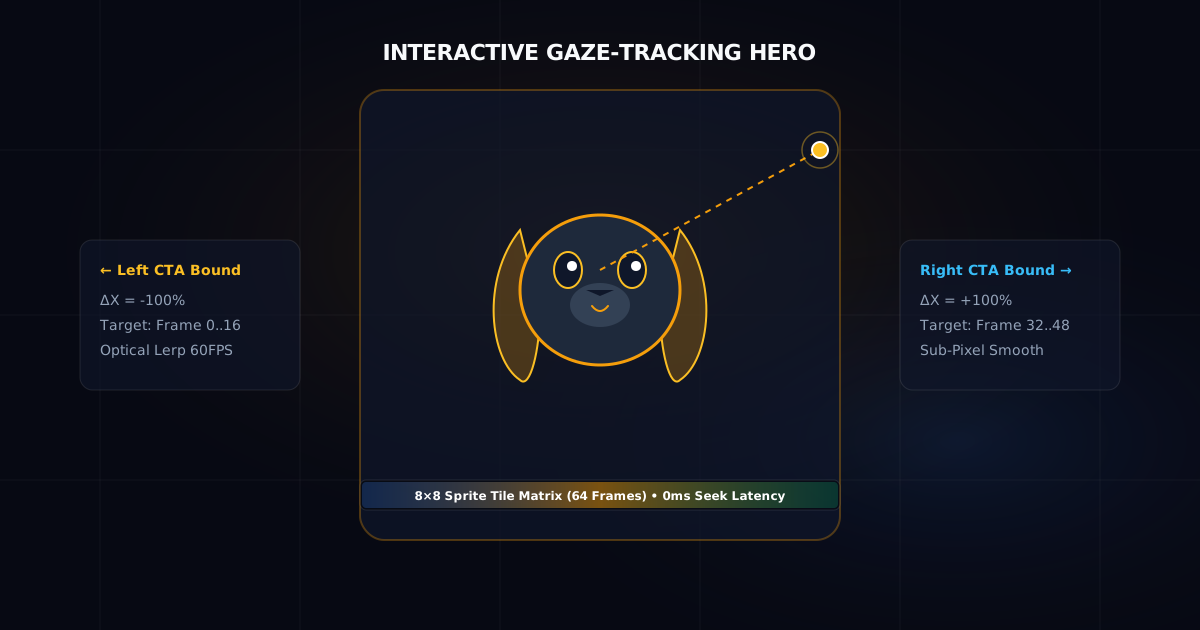
Creating a photo-real, 60 FPS interactive hero character that tracks cursor gaze across CTAs with 0ms latency, optical interpolation, and mobile gyroscope support — inspired by @alaa.alaff.
Experiments
August 18, 2026
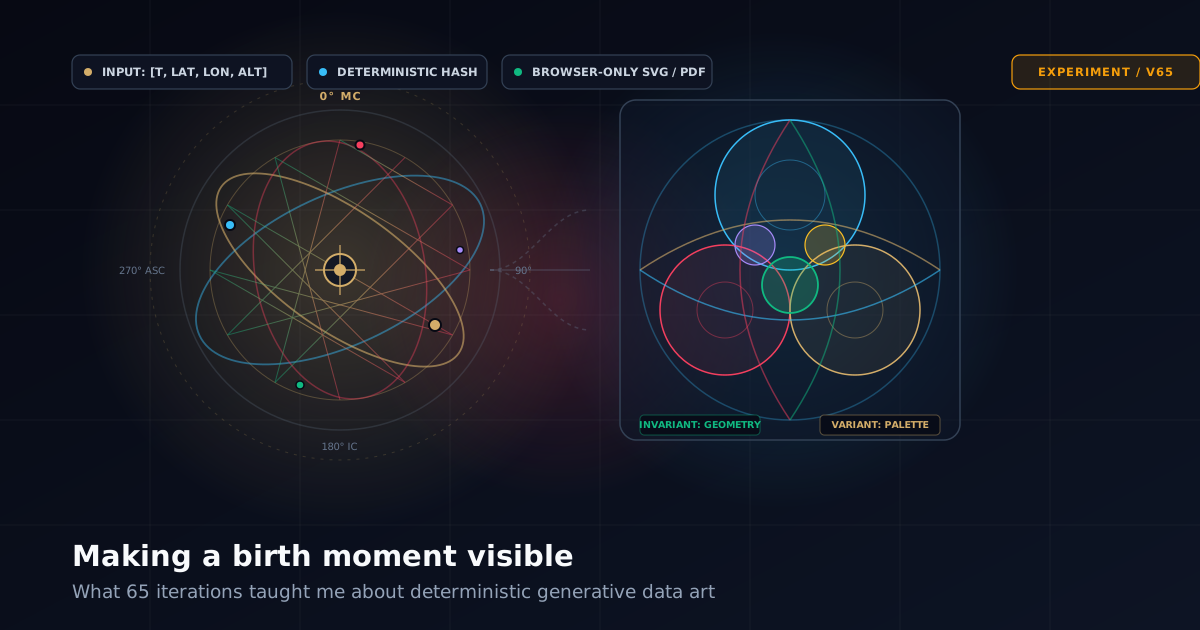
Turning a date, time and place of birth into deterministic visual art in the browser — without AI models, without servers, and why sixty-five iterations were spent learning what variation actually means to a human observer.
Experiments
August 11, 2026
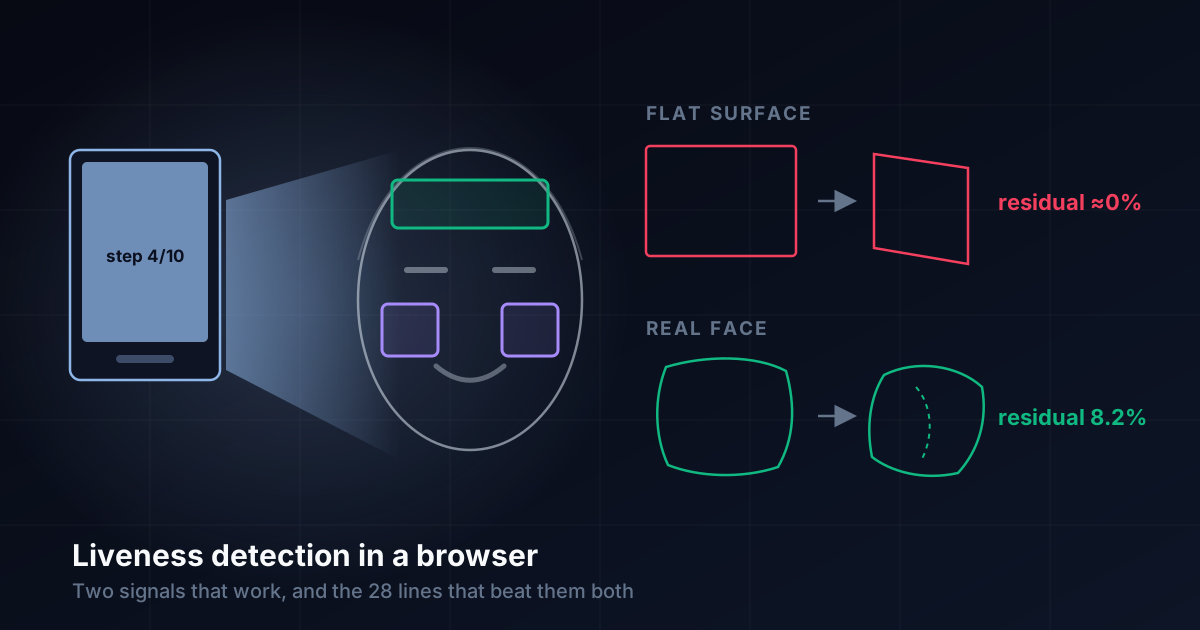
I built a camera check that reliably tells a real face from a photo, a screen and a mask - then defeated it with 28 lines of arithmetic and no camera at all. The gap between those two facts is the whole story.
Experiments
August 11, 2026
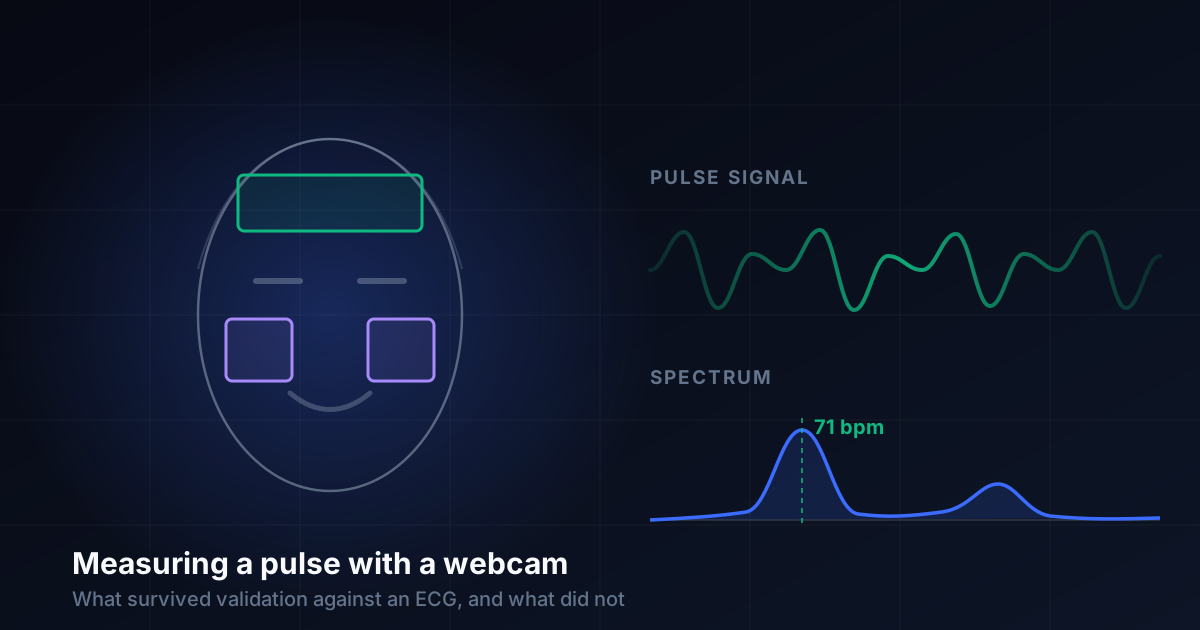
A browser-only heart rate monitor that never sends a pixel anywhere. Checking it against a real ECG meant deleting three of its four metrics - and the most useful lesson was that the wrong numbers looked the most convincing.
ZumiFiles
July 20, 2026
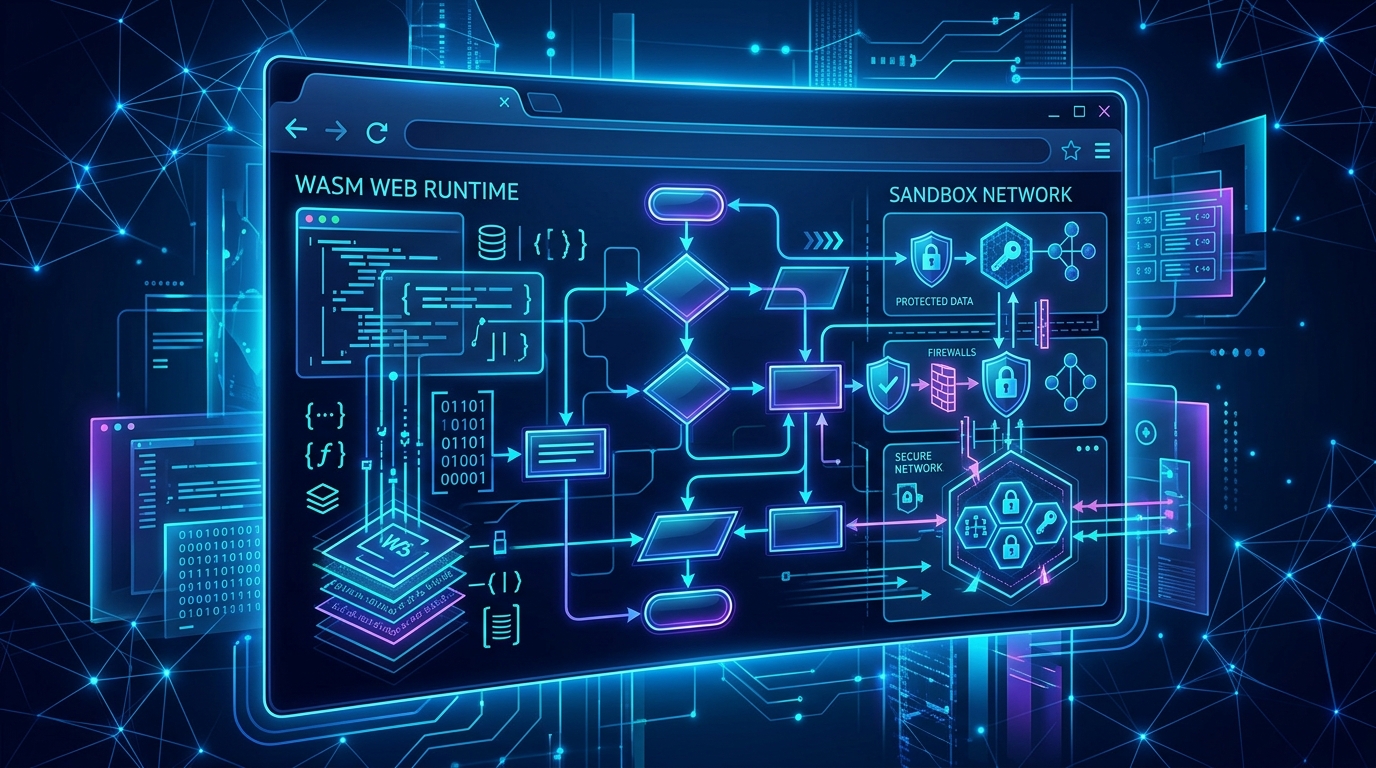
Rendering Microsoft Visio (.vsdx) diagrams client-side without servers or desktop applications is a local-first dream. Here is our engineering journey from flat XML fallbacks and WebAssembly filesystem crashes to a clean programmatic iframe integration.
ZumiFiles
July 18, 2026
Adding RAW photo support to a browser file manager should have taken an afternoon. It took most of a day, six independently reasonable failures deep. Here is each one, and why the symptoms all looked identical.
OmniCapt
June 28, 2026
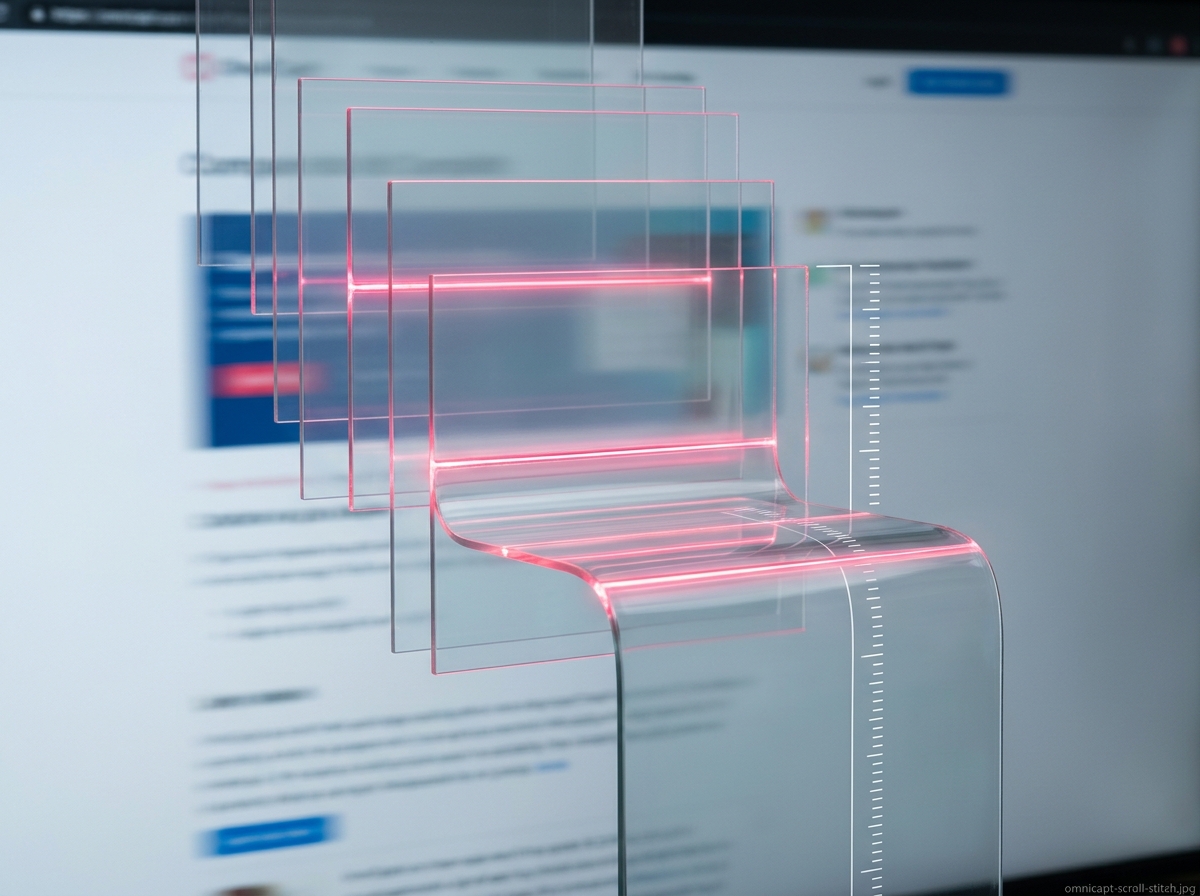
Snapping what is visible on screen is easy. Stitching a dynamic, infinite-scrolling dashboard down to the pixel-without crashing the browser or losing absolute header positions-is where the real engineering starts.
OmniCapt
June 24, 2026
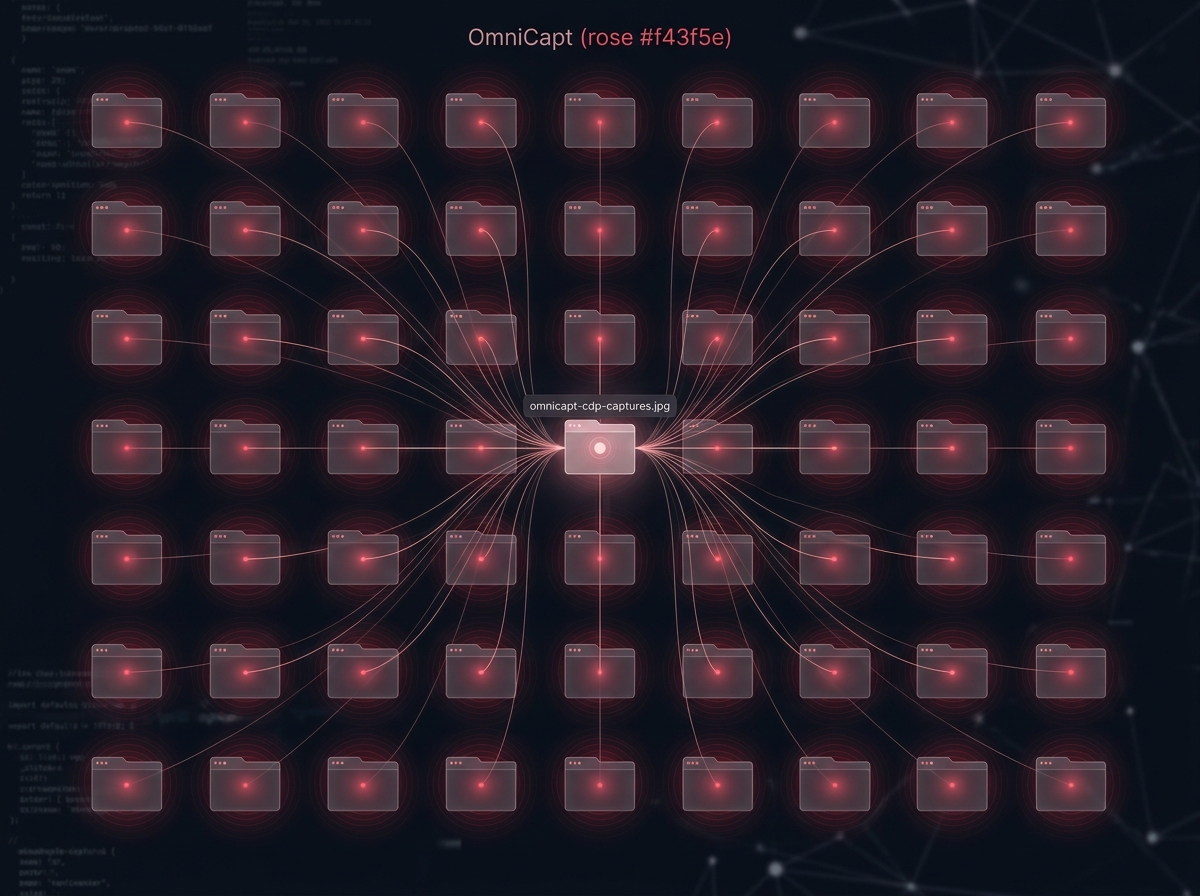
How do you screenshot 50 open tabs in the background without reloading pages or forcing active focus? Inside OmniCapt's extension-level DevTools Protocol bridge.
OmniCapt
June 18, 2026
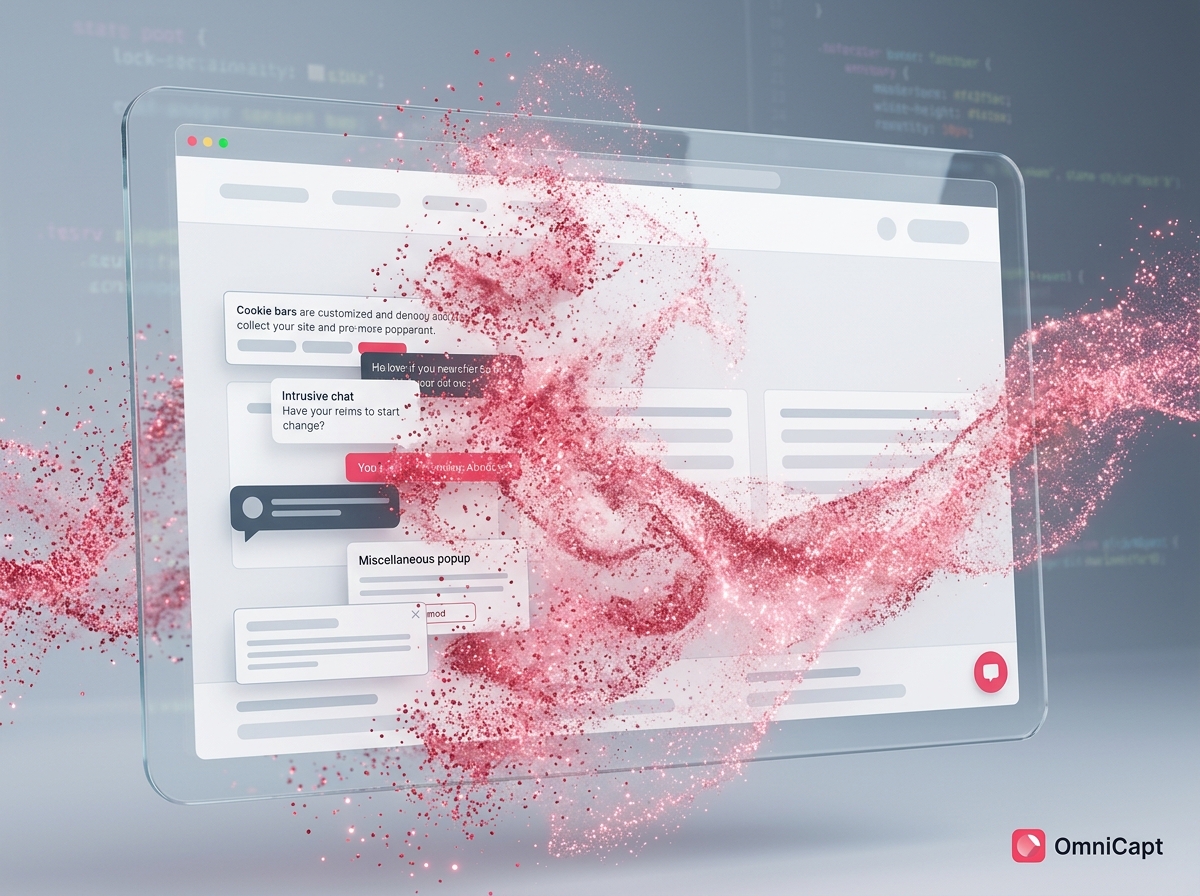
Screenshots of web designs are useless if covered in GDPR popups, sticky alerts, and chat bubbles. Learn how OmniCapt sweeps layers out of the frame using dynamic CSS injection rules.
OmniCapt
June 12, 2026
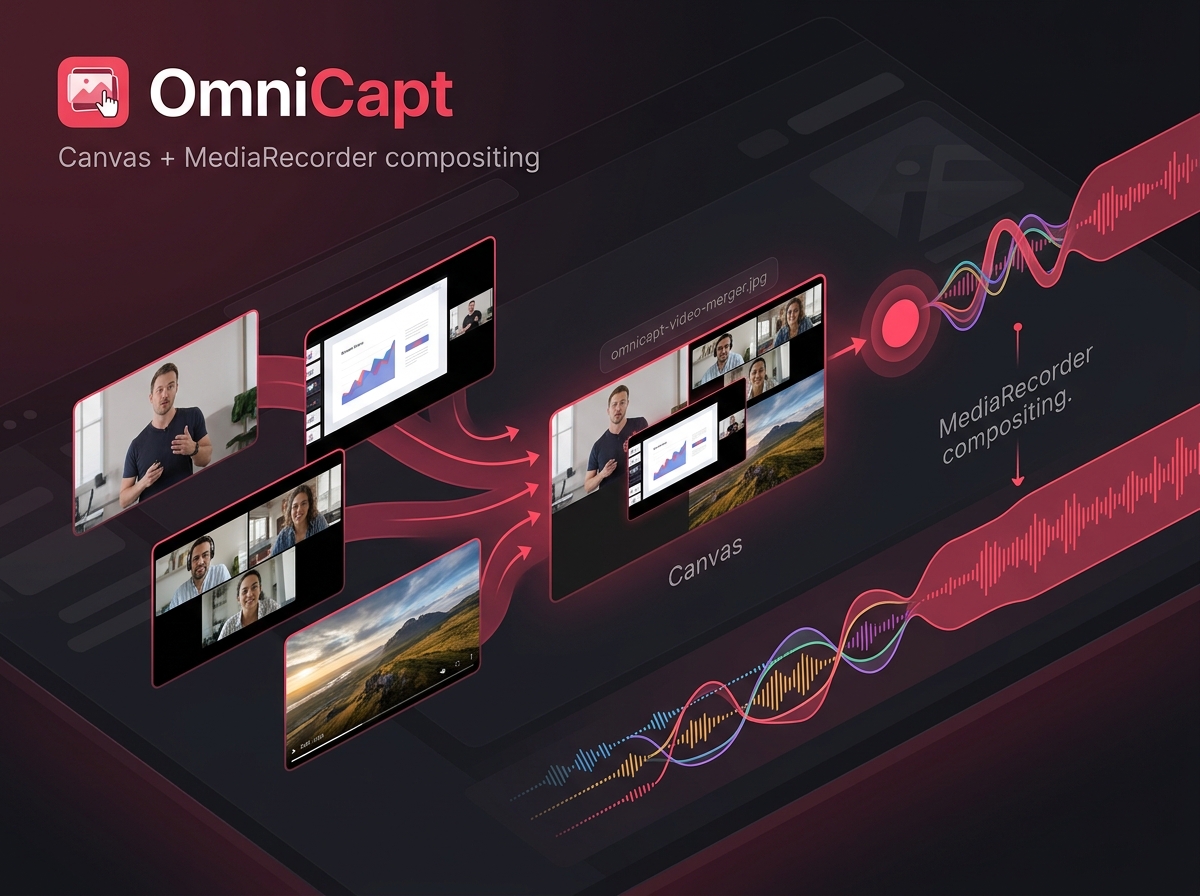
Recording video clips is only half the battle. Bringing multiple recordings together side-by-side or sequentially, entirely locally in Chrome, represents the ultimate developer video utility.
OmniBrief
July 14, 2026
Cloud LLM APIs are fast, but they cost money, add latency, and compromise data privacy. Here is how OmniBrief orchestrates Chrome's built-in Summarizer and LanguageModel APIs (Gemini Nano) for offline research.
OmniBrief
July 09, 2026
Keyword search fails when you forget specific phrasing. Discover how we built client-side dense vector math using ONNX runtime and MV3 offscreen documents for private research indexing.
OmniBrief
July 04, 2026
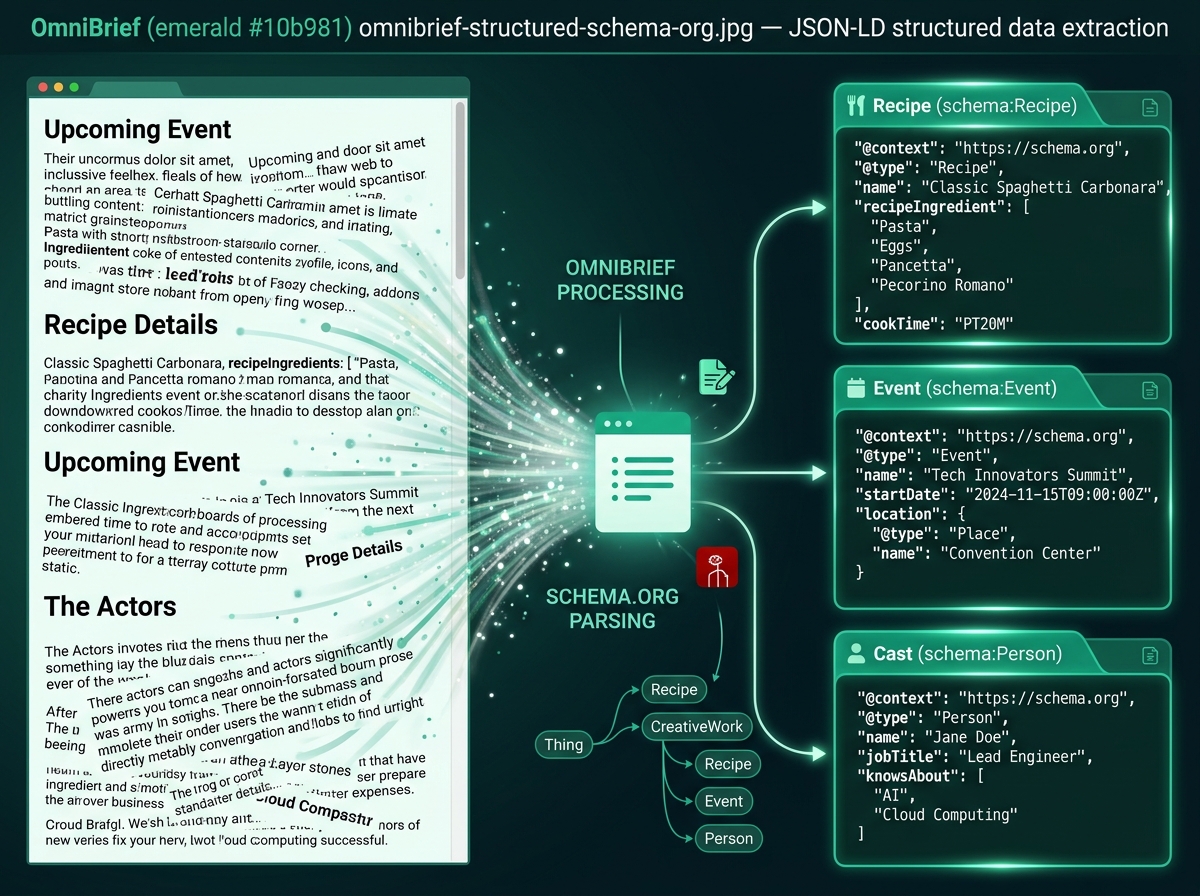
Web pages are more than prose. Learn how OmniBrief captures Schema.org metadata blocks to render native tabs for TV series cast, recipe details, events, and shopping lists without LLM cost.
OmniBrief
June 29, 2026
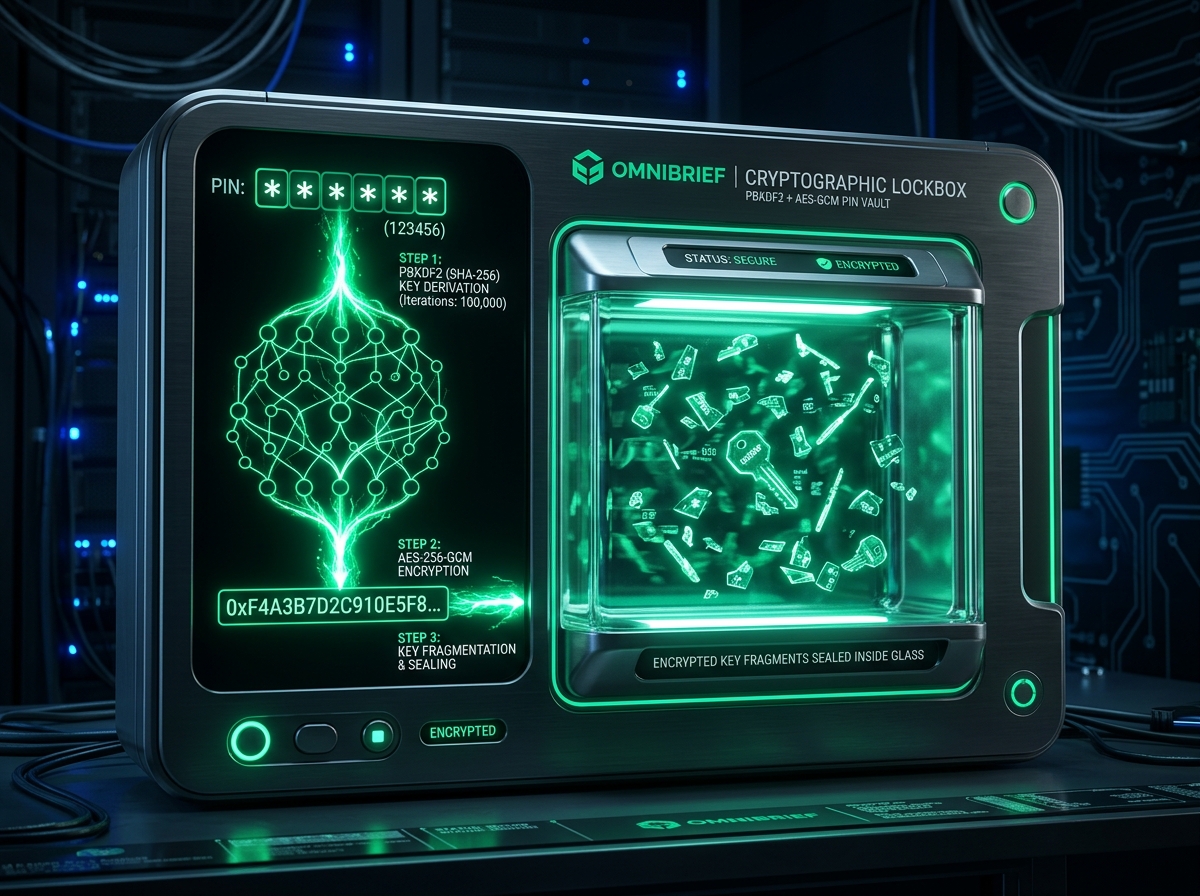
Using custom cloud LLM keys shouldn't compromise your local environment. Here is how we implemented PIN-derived PBKDF2 and AES-GCM local storage encryption.
ZumiFiles
July 15, 2026
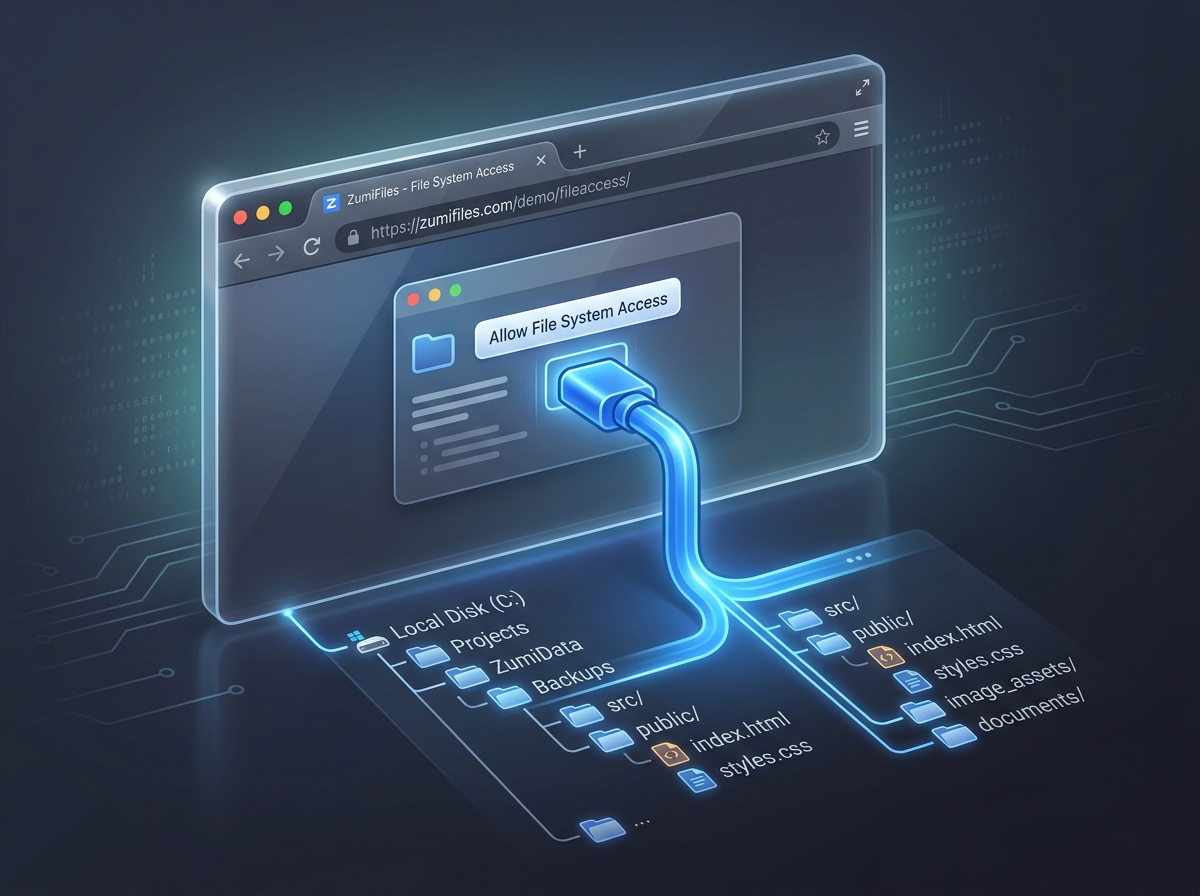
The web browser is no longer a sandboxed viewport with no hard disk options. Explore how ZumiFiles recursively loads, creates, and mutates directory structures using the File System Access API (a WICG standard in Chromium-based browsers).
ZumiFiles
July 11, 2026
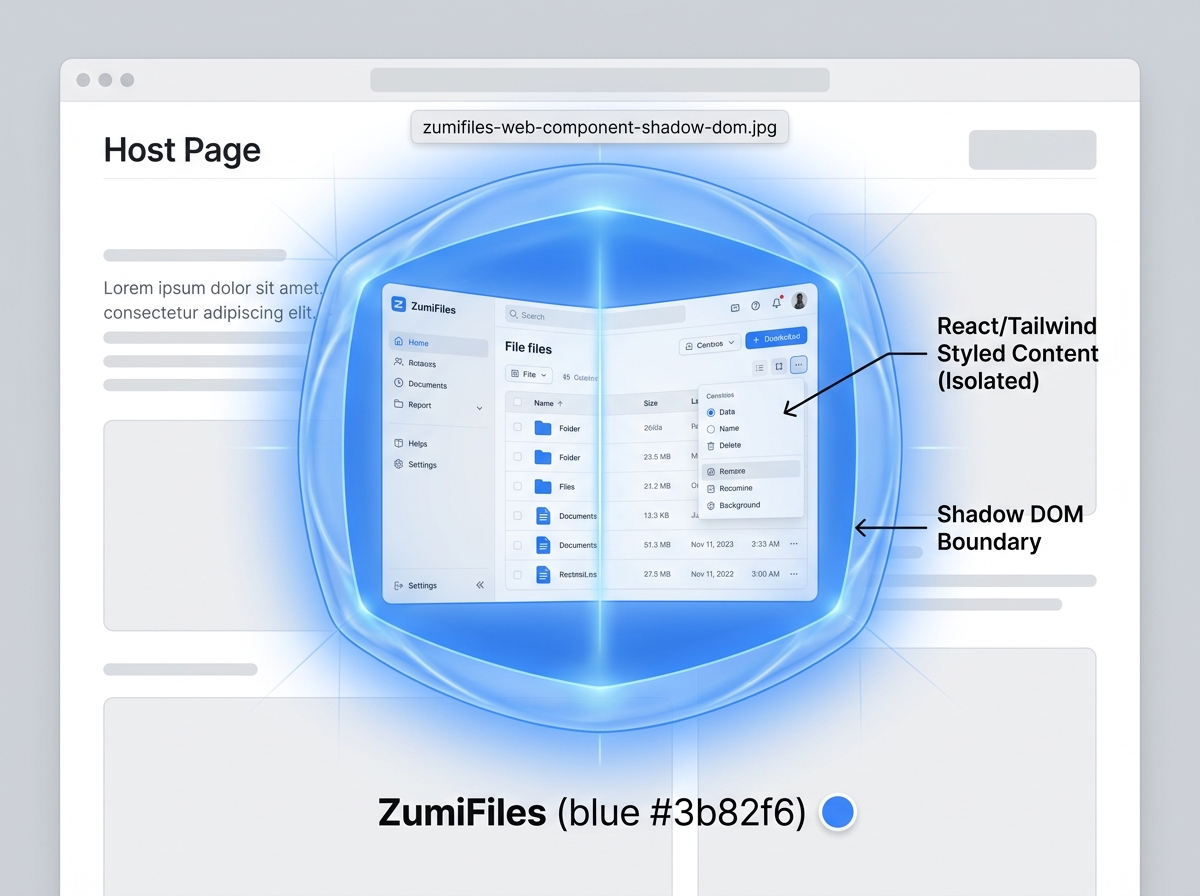
Need to drop a multi-pane file manager into any web project without breaking style layouts? How ZumiFiles packages React, state channels, and Tailwind CSS styles inside a single custom element.
ZumiFiles
July 06, 2026
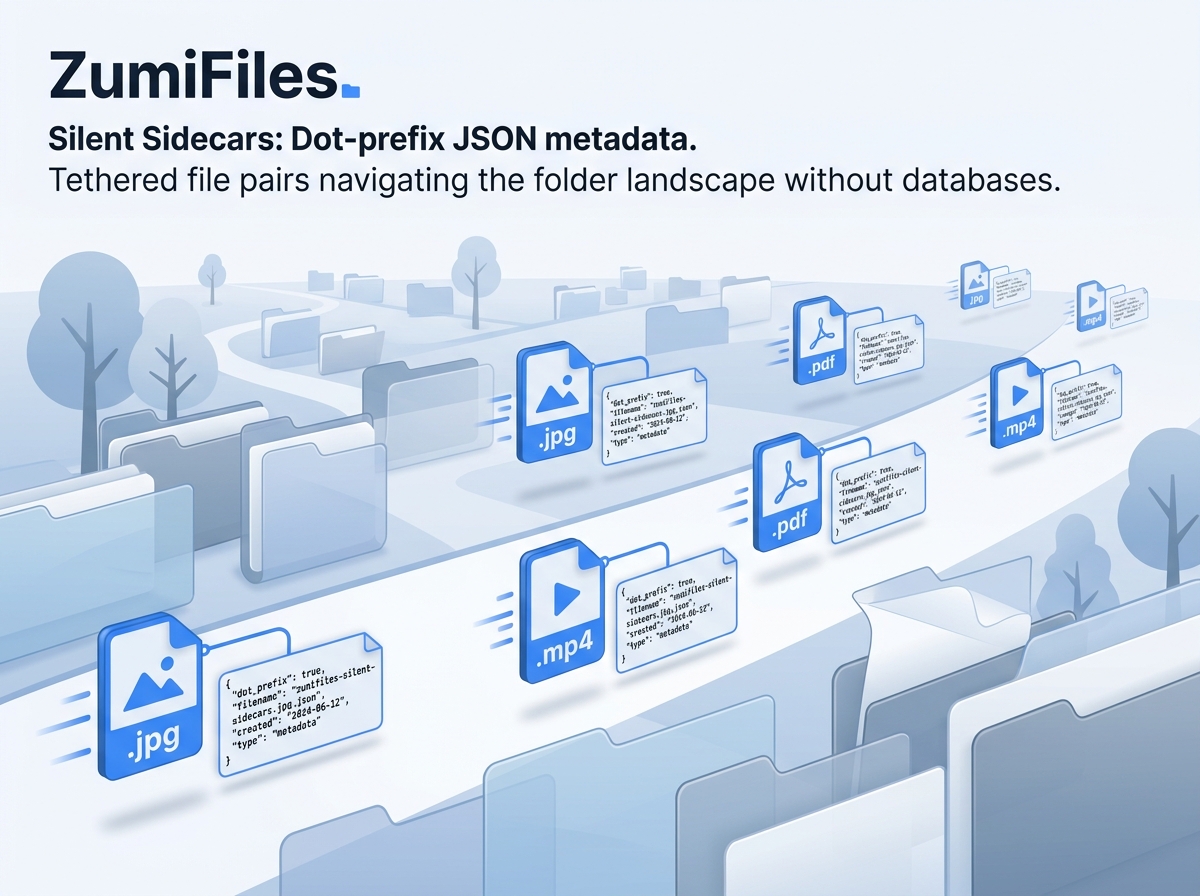
How do you save custom file descriptions, tags, and workspace notes without a database or backend API? Explore ZumiFiles' atomic sidecar JSON metadata synchronization mechanics.
ZumiFiles
June 30, 2026
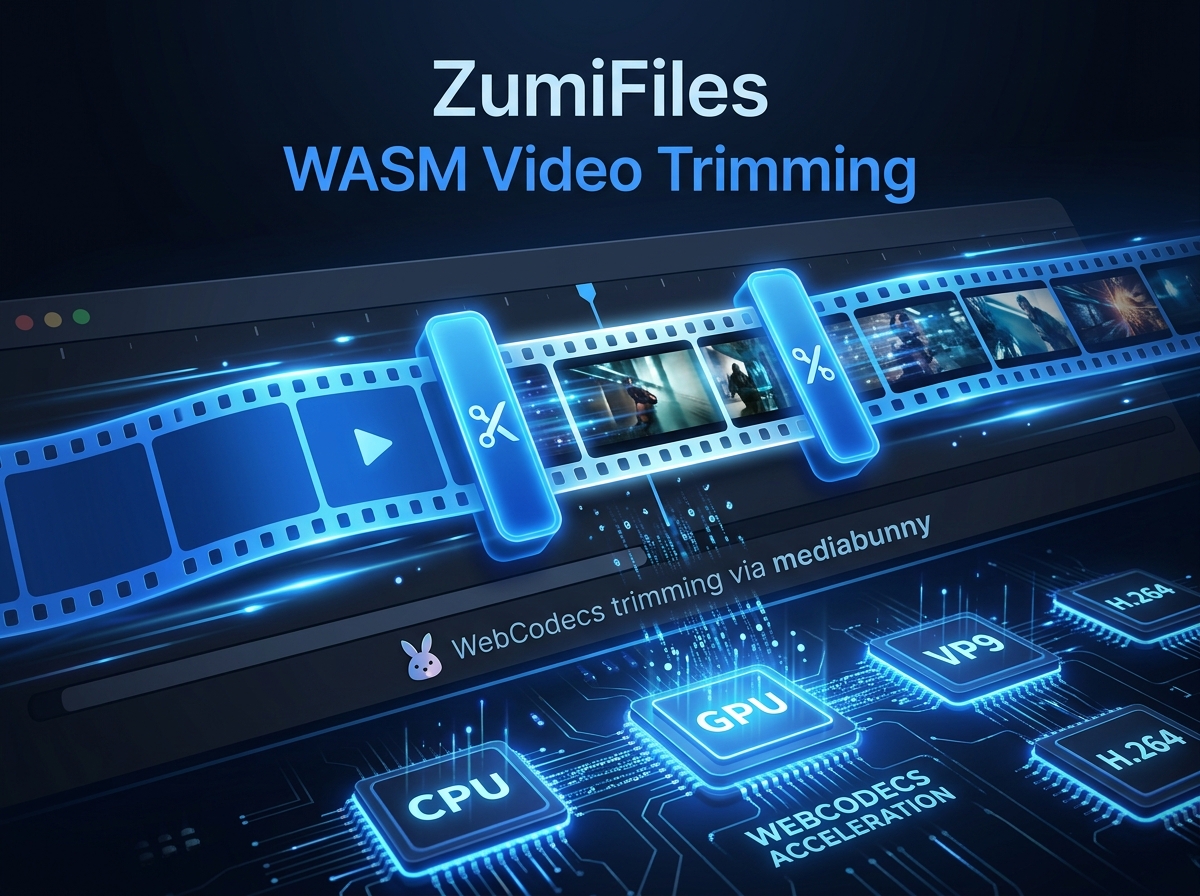
Processing binary video shouldn't require third-party servers. Discover how ZumiFiles uses the browser's built-in WebCodecs API (via mediabunny) to trim and split videos instantly, entirely on-device.
OmniCapt
July 07, 2026
Arrows, boxes, and blur-outs turn a raw screenshot into a usable report. OmniCapt overlays a canvas drawing surface and flattens the annotations into the final image.
OmniCapt
July 08, 2026
Designers need the same page at desktop, tablet, and mobile widths - captured consistently, not by hand-resizing. OmniCapt drives the DevTools Protocol Emulation domain to do it.
OmniCapt
July 10, 2026
A bug-repro recording is far more useful when viewers can see exactly where you clicked. OmniCapt paints an animated highlight layer synced to real pointer events.
OmniBrief
July 12, 2026
Every summary in OmniBrief can be listened to, not just read - with zero audio files and no cloud TTS bill. The Web Speech API makes it possible, quirks and all.
OmniBrief
July 13, 2026
Coaxing clean, parseable JSON out of a small on-device model is the hard part of any local-AI feature. OmniBrief uses the Prompt API's responseConstraint to make it deterministic.
OmniBrief
July 16, 2026
Manifest V3 service workers can't touch the DOM, run long, or reliably host WebAssembly. OmniBrief runs its heavy work in an offscreen document instead - here's how.
OmniBrief
July 17, 2026
OmniBrief can summarize with on-device Gemini Nano, a local Ollama server, or five cloud APIs - all behind one call. Here is the adapter pattern that makes models hot-swappable.
ZumiFiles
July 02, 2026
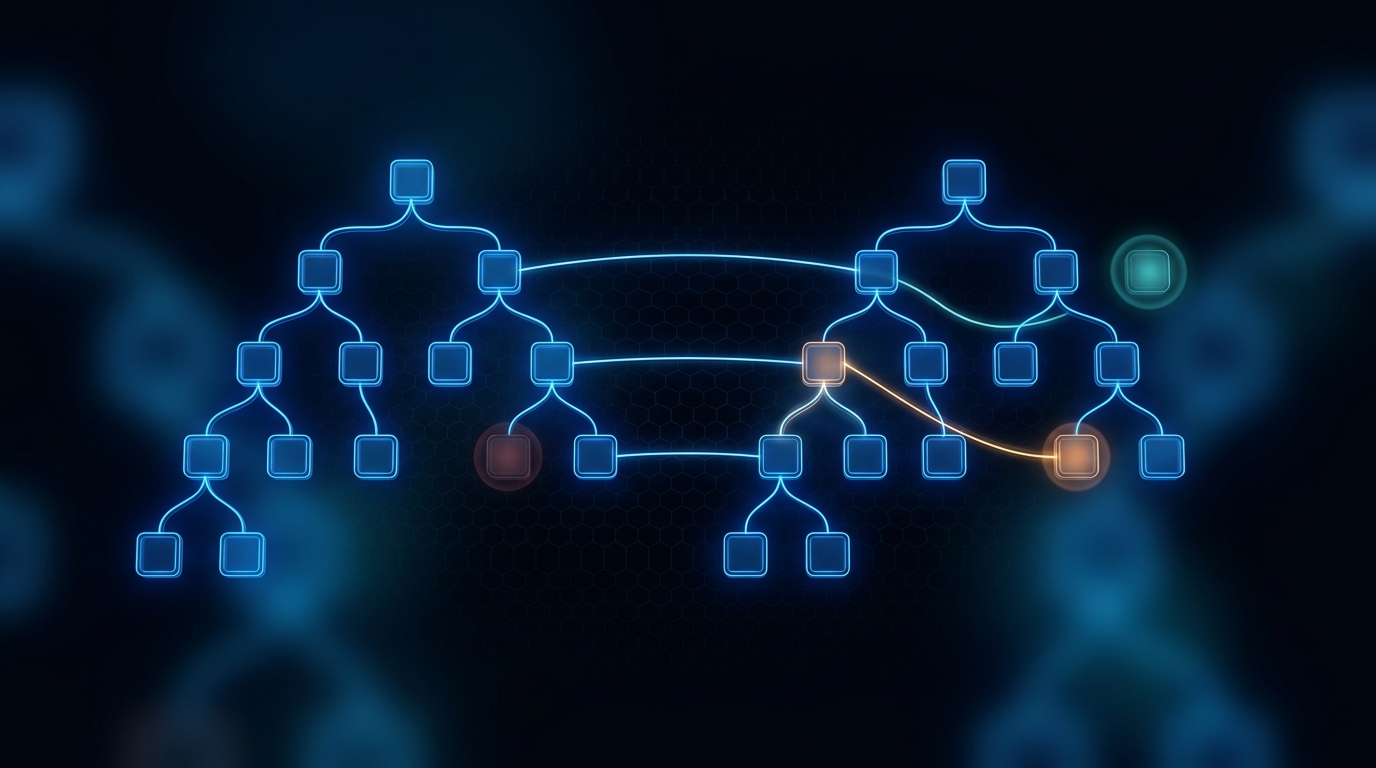
Comparing two directory trees - what was added, removed, or changed - is a classic desktop task ZumiFiles does entirely client-side, without reading every byte upfront.
ZumiFiles
July 03, 2026
Rendering a poster image for every local video usually means an upload or a bundled media engine. ZumiFiles decodes a single frame with the browser's own pipeline instead.
ZumiFiles
July 05, 2026
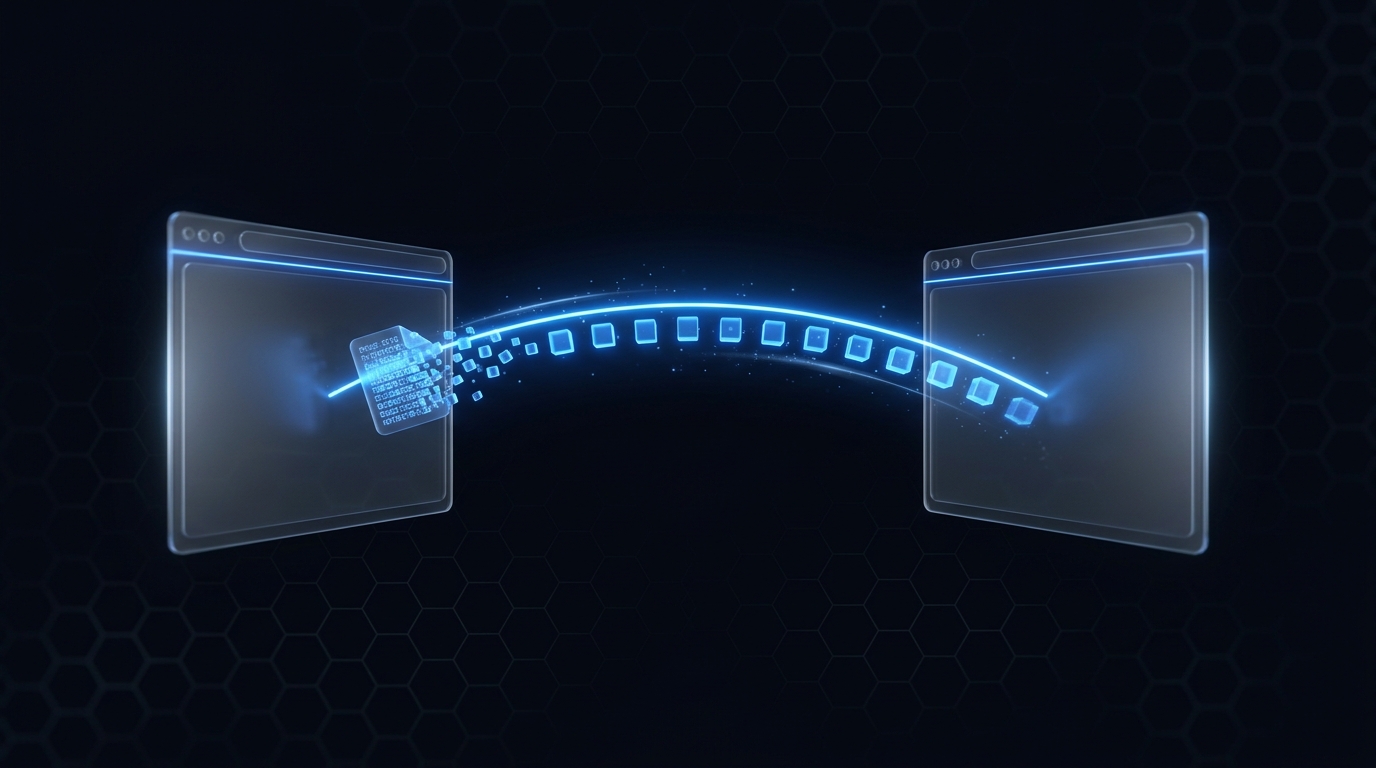
ZumiFiles can send a file straight from one browser to another with no server in the middle. WebRTC data channels make the transfer direct, chunked, and private.
CABE
July 01, 2026
CABE is a Chrome extension whose bookmark set changes automatically based on the site you're on - Jira links in Jira, docs in GitHub. Here's how it tracks context and resolves dynamic links.
CloudSend
June 26, 2026
Shipping third-party API keys to the browser is a liability. CloudSend is a small Node.js service that holds the credentials and exposes one authenticated endpoint to many targets.
No articles found matching your criteria.