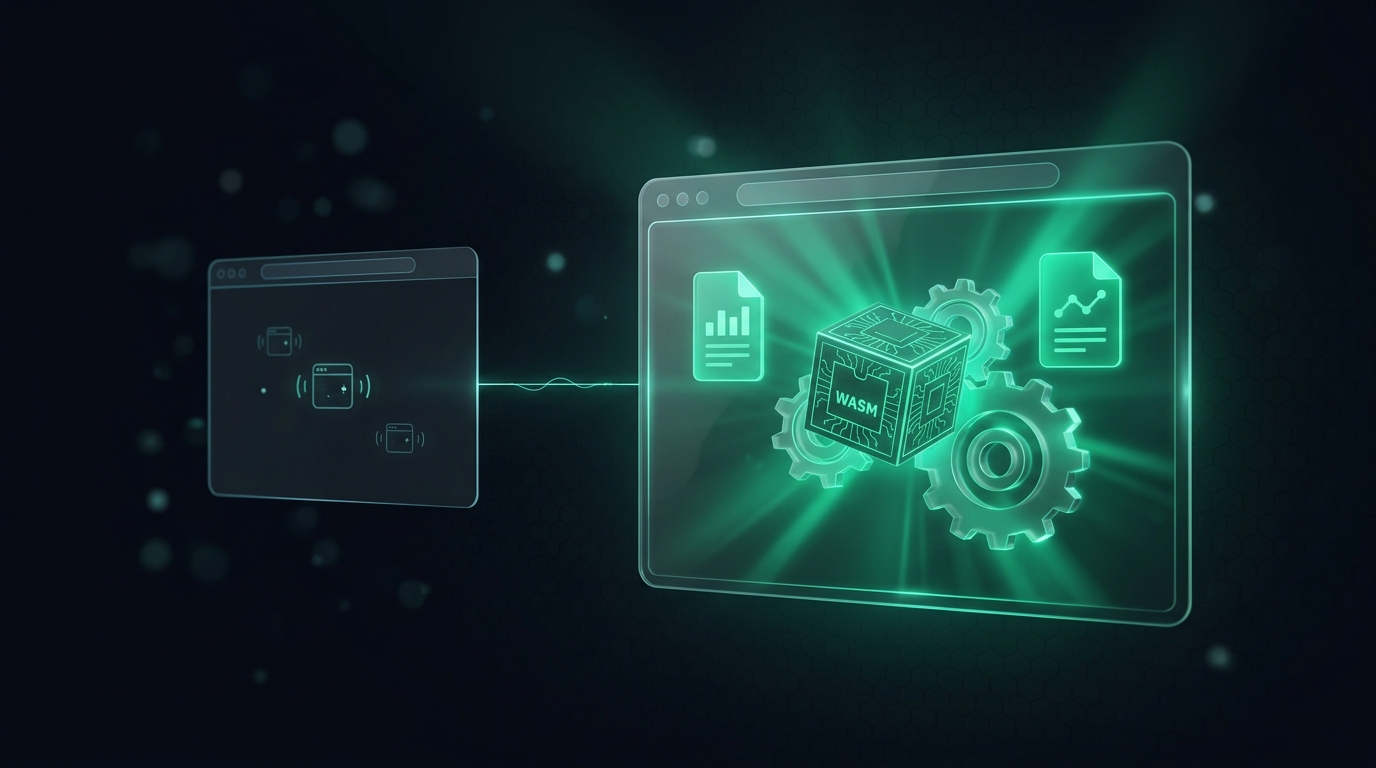
Manifest V3 replaced the persistent background page with a service worker. Great for memory, hard for anything heavy: a service worker has no DOM, gets killed after ~30 seconds of idle, and is a shaky host for WebAssembly. OmniBrief needs all three - ONNX embedding models, PDF.js text extraction, and Origin Private File System (OPFS) persistence.
The escape hatch is the offscreen document: a hidden, full-DOM page the extension creates on demand. OmniBrief runs its embeddings, PDF parsing, and file writes there, while the service worker keeps doing lightweight coordination and on-device Gemini Nano work.
Key Technical Concepts Covered
- Why the worker isn't enough: no DOM, short lifetime, unreliable WASM.
- Create-once semantics: probe for an existing offscreen doc before creating another.
- Justified reasons: MV3 requires you to declare why the document exists.
- Message routing: the worker delegates heavy jobs and awaits a reply.
Part of the engineering behind OmniBrief.
One Document, Created On Demand
Only one offscreen document may exist per extension, so you must check before creating. OmniBrief uses chrome.runtime.getContexts() to see whether one is already open, then creates it with an explicit reason and justification:
async function ensureOffscreen() {
  const existing = await chrome.runtime.getContexts({
    contextTypes: ['OFFSCREEN_DOCUMENT'],
  });
  if (existing.length > 0) return;          // already open

  await chrome.offscreen.createDocument({
    url: 'src/offscreen/offscreen.html',
    reasons: ['WORKERS', 'BLOBS'],           // WASM + file/blob work
    justification: 'Run ONNX embeddings, PDF extraction, and OPFS writes.',
  });
}
Delegating the Heavy Work
The service worker never runs the model itself. When a page needs embedding, it makes sure the document exists and forwards the job as a message, then awaits the result:
async function embed(texts) {
  await ensureOffscreen();
  return chrome.runtime.sendMessage({
    target: 'offscreen',
    type: 'EMBED',
    texts,
  });
}
Inside the offscreen document - a real page with a full DOM - transformers.js loads its ONNX runtime and WASM binaries normally, PDF.js spins up its worker, and OPFS is available for persistence. None of that is dependable inside the service worker.
Keeping the Split Clean
Not everything belongs offscreen. Chrome's built-in Gemini Nano Summarizer and LanguageModel APIs are supported directly in the service worker, so OmniBrief deliberately keeps summarization there and reserves the offscreen document for WASM/DOM/OPFS work. The rule of thumb: if it needs the DOM, heavy WebAssembly, or long-lived file handles, it goes offscreen; otherwise it stays in the worker.
// offscreen.js - heavy libraries load in a normal page context
import { pipeline, env } from '@xenova/transformers';
import * as pdfjs from 'pdfjs-dist';
import { saveBrief } from '../storage/opfs.js';

env.backends.onnx.wasm.wasmPaths = chrome.runtime.getURL('wasm/');
pdfjs.GlobalWorkerOptions.workerSrc = chrome.runtime.getURL('pdf.worker.min.mjs');
Conclusion: The Right Context for the Job
The offscreen document is the piece that makes a genuinely local-first extension possible under Manifest V3. By creating one on demand, declaring its purpose, and routing only DOM/WASM/file work to it, OmniBrief runs semantic search, PDF ingestion, and encrypted local storage entirely on the user's machine - without fighting the service worker's limitations.