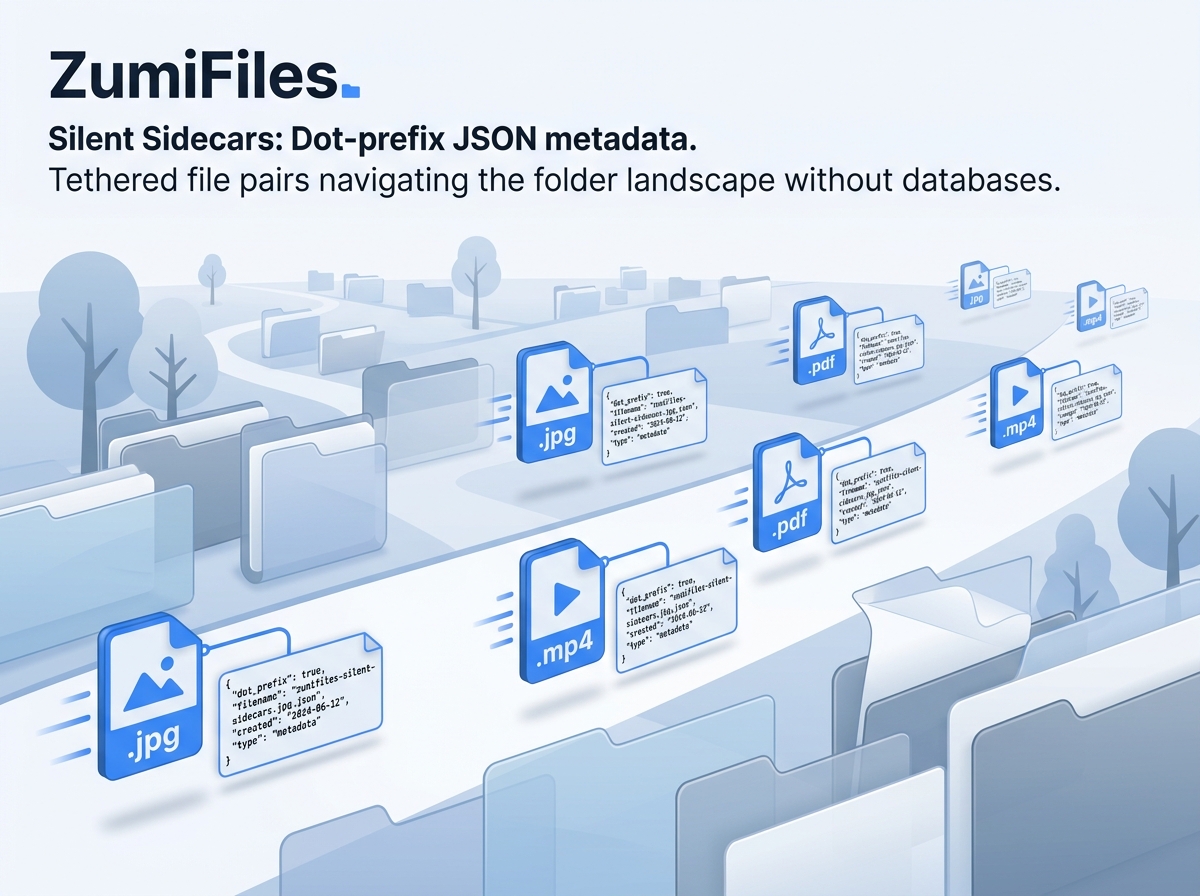
Local-first design guidelines emphasize data portability and complete user control. In a typical media manager or asset explorer, adding metadata like tags, categories, or notes requires writing to an application database. If you move a file outside the manager, the database loses track of it, breaking the tags and metadata connection.
For ZumiFiles, ZumiLabs engineers wanted metadata to be as portable as the files themselves. To achieve this, we implemented a Silent Sidecar Metadata Engine. By writing companion JSON tracking sheets directly adjacent to primary media assets, ZumiFiles keeps metadata paired with files, without requiring databases or servers.
Key Technical Concepts Covered
- The Sidecar File Pattern: Packaging primary files with companion
.jsonmetadata files. - Atomic File Migrations: Intercepting moves, deletions, and renames to execute sidecar updates.
- Zero-Database Portability: Moving folders retains metadata pairs across devices.
- Dynamic Indexing: Scanning directory listings recursively.
Part of the engineering behind ZumiFiles.
The Sidecar File Concept
A sidecar file is a companion document containing metadata for a primary file. For example, if you have an image named mockup-design.png, ZumiFiles pairs it with a companion file named .mockup-design.png.json. The leading dot matters: it follows the Unix hidden-file convention so the sidecar stays out of the way in native file explorers while still travelling alongside its asset. The JSON sheet stores tags, notes, categories, and author details:
// Example sidecar: .mockup-design.png.json
{
  "tags": ["LandingPage", "V3", "Aesthetic"],
  "description": "Final home page design mockup matching the space theme guidelines.",
  "author": "ZumiLabs Design Team",
  "lastModified": 1783360859000
}
Merge-on-Write: Never Clobber Existing Metadata
Metadata arrives in small patches - a tag added here, a note edited there - so ZumiFiles never rewrites a sidecar from scratch. Every write reads the existing sidecar first, merges the patch on top, and writes the union back. Keys the caller didn't touch are preserved. This is the core of the SidecarService:
// SidecarService.writeSidecar - read, merge, write
static async writeSidecar(dirHandle, fileName, patch) {
  const sidecarName = `.${fileName}.json`;   // dot-prefixed companion

  // Read existing sidecar (if any) so we can merge onto it
  let existing = {};
  try {
    const handle = await dirHandle.getFileHandle(sidecarName);
    existing = JSON.parse(await (await handle.getFile()).text());
  } catch {
    // No existing sidecar - start fresh
  }

  const merged = { ...existing, ...patch };

  const fileHandle = await dirHandle.getFileHandle(sidecarName, { create: true });
  const writable = await fileHandle.createWritable();
  await writable.write(JSON.stringify(merged, null, 2));
  await writable.close();
}
The createWritable() call is what makes this safe: the File System Access API writes to a temporary swap file and replaces the original on close(), so a crash mid-write leaves the original file intact rather than a half-written sidecar.
Keeping Sidecars Synced on Move
The classic criticism of sidecar schemes is that they drift: rename design.png and the companion .design.png.json is left orphaned. ZumiFiles avoids this by treating a file and its sidecar as a pair in the file-operations layer - every delete, copy, and move carries the companion along with it, so the association survives ordinary in-app operations.
Scanning for Orphans
If files are modified outside ZumiFiles using a native OS utility (like Mac Finder or Windows Explorer), sidecar configurations can get detached. To resolve this, ZumiFiles runs an Orphan and Clean loop when loading a directory. It lists all files, flags metadata JSON files that have no matching primary file, and prompts the user to purge them or link them to existing assets.
Conclusion: Portable Metadata
By pairing primary assets with silent companion JSON sidecars, ZumiFiles preserves notes and tags without requiring a database. You can copy, move, or archive entire folders across systems, and your metadata travels with your files.