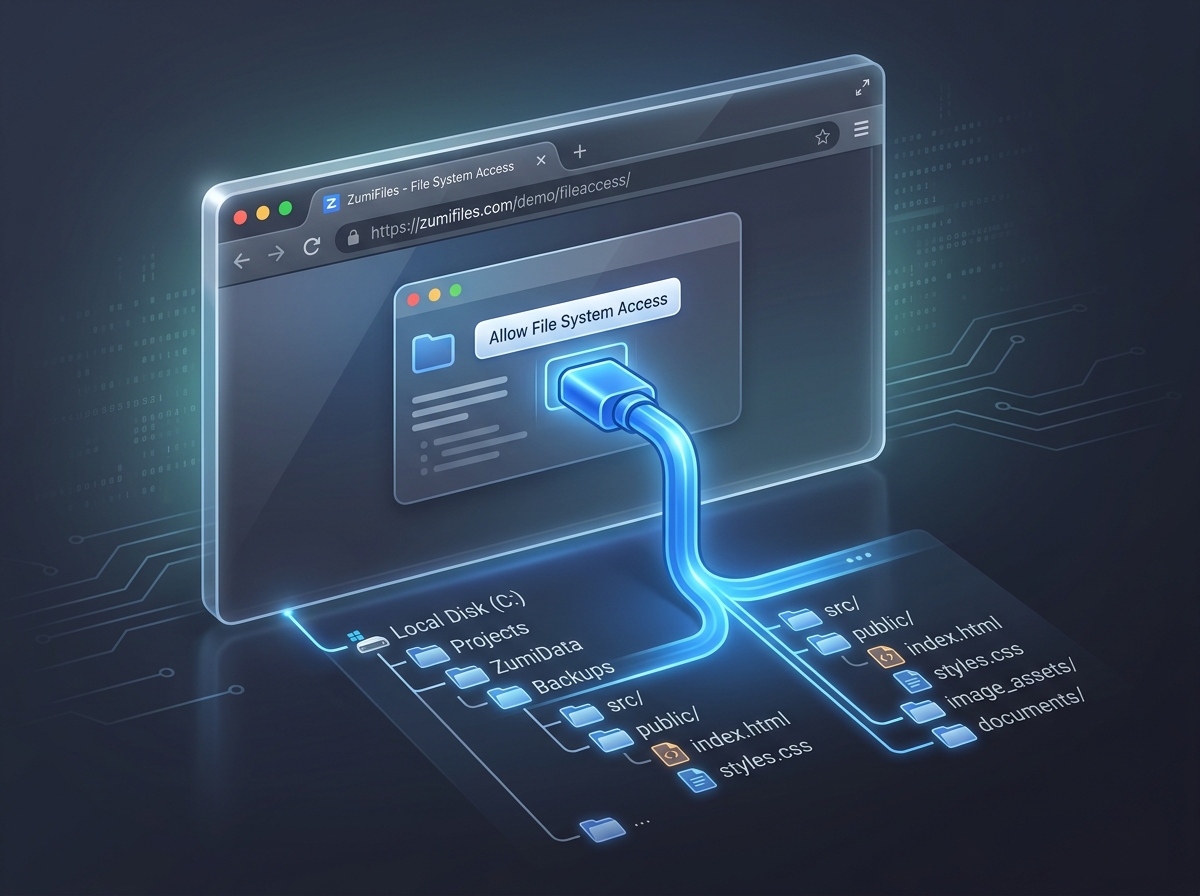
Historically, the relationship between web browsers and local disk files has been highly restricted. Web applications operate inside a sandboxed scope. If you need to edit a file, you are forced to use a file input element (<input type="file">), modify the text in memory, and download the edited file back to the browser's Downloads folder-adding a download prompt every single time.
With ZumiFiles, ZumiLabs engineers wanted to build a browser-native file manager that behaves like a native OS utility. By utilizing the File System Access API (a WICG standard), ZumiFiles mounts local directories directly inside a web tab, allowing real-time edits, file additions, and recursive directory tree mutations to occur directly on the hard drive.
Key Technical Concepts Covered
- Direct Disk Access: Opening folders natively using
showDirectoryPicker. - IndexedDB Persistence: Caching directory handles to skip recurring permission prompts.
- Recursive Tree Generation: Programs for creating nested sub-directories.
- Agnostic Fallbacks: Downgrading gracefully to zip downloads in unsupported browsers.
Part of the engineering behind ZumiFiles.
Requesting Directory Handles
The core of ZumiFiles' local operations is the FileSystemDirectoryHandle. When a user clicks "Open Workspace", the application calls the directory picker API. Once the user approves the system permissions prompt, the browser returns a handle object representing the target directory:
async function openWorkspaceDirectory() {
  try {
    const handle = await window.showDirectoryPicker({
      mode: 'readwrite'
    });
    return handle;
  } catch (error) {
    console.error("Directory selection blocked:", error);
  }
}
Caching Handles with IndexedDB
While the directory picker is powerful, system permissions do not persist across page reloads. If a user refreshes their tab or closes the web application, the file handles are discarded. Forcing the user to click through permission dialogs every time they return to the app breaks the UX.
To solve this, ZumiFiles stores the serialized FileSystemDirectoryHandle inside IndexedDB. When returning to the dashboard, ZumiFiles retrieves the handle from IndexedDB and requests verification programmatically. The user is greeted with a "Recent Workspaces" prompt, requiring only a single click to restore their entire context:
// Verifying stored handles
async function verifyPermission(fileHandle, readWrite) {
  const options = {};
  if (readWrite) {
    options.mode = 'readwrite';
  }

  // Check if we already have permission
  if ((await fileHandle.queryPermission(options)) === 'granted') {
    return true;
  }

  // Request permission from user
  if ((await fileHandle.requestPermission(options)) === 'granted') {
    return true;
  }

  return false;
}
Recursive File and Directory Generation
Inside ZumiFiles, developers can create files and subfolders using nested path layouts (e.g. src/components/buttons/SubmitButton.tsx). A naive approach would be to parse the string, check for directories, and call makers step-by-step.
ZumiFiles automates this by traversing the directory tree recursively. It evaluates each path segment, creating missing subfolders dynamically before writing the final file handle:
async function createFileAtPath(rootDirectoryHandle, pathString, content) {
  const parts = pathString.split('/');
  const fileName = parts.pop(); // The final file name

  let currentDirHandle = rootDirectoryHandle;

  // Resolve or create directories recursively
  for (const part of parts) {
    if (part === '' || part === '.') continue;
    currentDirHandle = await currentDirHandle.getDirectoryHandle(part, { create: true });
  }

  // Create the final file handle
  const fileHandle = await currentDirHandle.getFileHandle(fileName, { create: true });

  // Write content stream
  const writable = await fileHandle.createWritable();
  await writable.write(content);
  await writable.close();
}
Graceful Browser Degradation
The File System Access API is currently a Chromium-specific standard (supported in Chrome, Edge, and Opera). WebKit engines (such as Apple's Safari) block direct local file modifications due to privacy policies.
To ensure support for all environments, ZumiFiles detects browser capabilities at startup. In WebKit browsers, direct write access is disabled, and ZumiFiles downgrades gracefully to an in-memory virtual filesystem. Workspace files are saved using IndexedDB caches, and clicking "Save" bundles files into a .zip file via JSZip, triggering a single local download.
Conclusion: A Desktop Experience in the Browser
By leveraging the File System Access API and IndexedDB caching architectures, ZumiFiles proves that complex, local-first file management can execute securely inside a browser sandbox. The browser is no longer a simple page viewer-it is a first-class editor workspace.