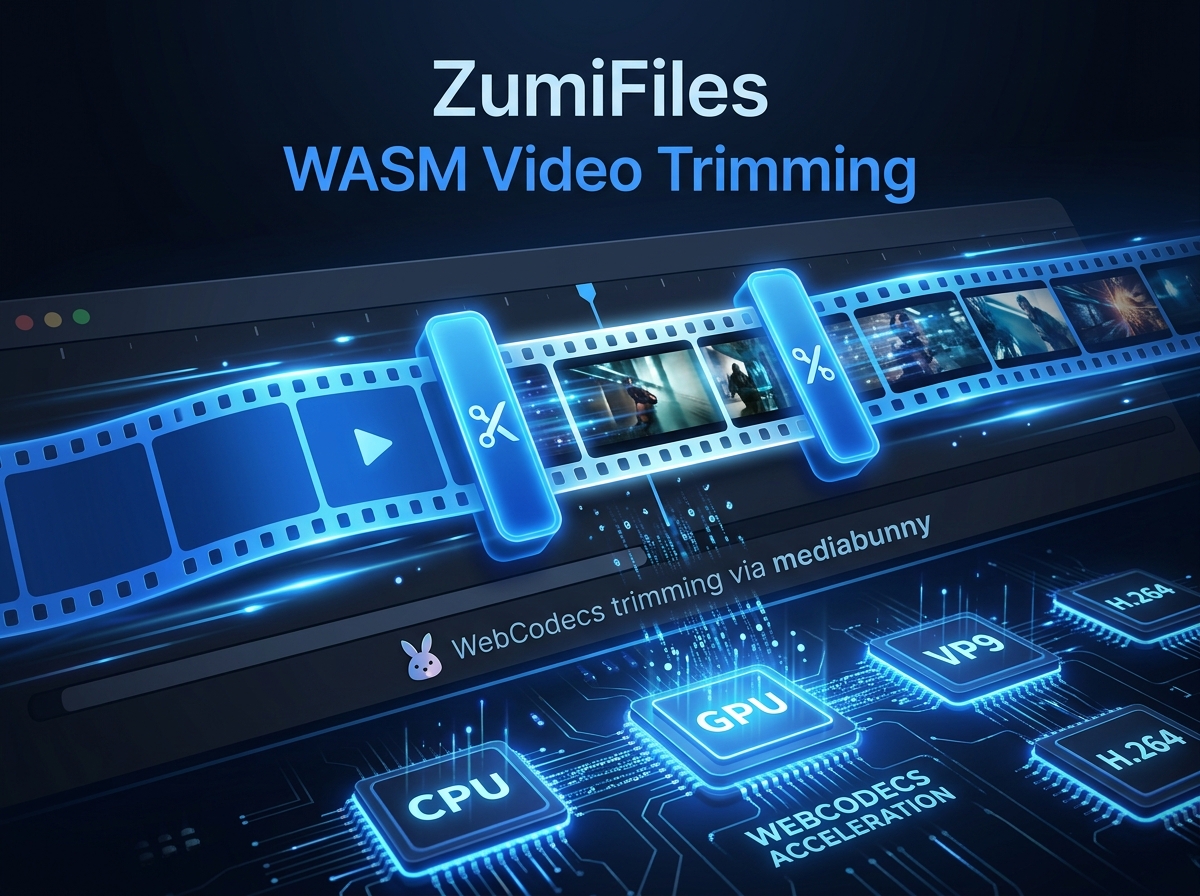
Traditional video editing tools have always required heavy server-side processing or native desktop builds. For a web application, extracting a clip from a video file generally meant uploading the entire gigabyte file to an API server, waiting for an encoder process to cut it, and downloading the output. This is slow, bandwidth-intensive, and presents major data security issues.
For ZumiFiles, ZumiLabs engineers wanted to bring frame-accurate video trimming and splitting directly inside the client environment. Rather than bundling a compiled media engine, ZumiFiles builds on WebCodecs - the browser's own hardware-accelerated encode/decode API - through the mediabunny library, trimming and splitting videos locally with no upload and no multi-megabyte Wasm payload.
Key Technical Concepts Covered
- WebCodecs over Wasm: Using the browser's native, hardware-backed codecs instead of a bundled engine.
- Declarative conversion: Expressing a trim as an
Input → Outputpipeline with a time range. - In-memory buffers: Writing the result to a
BufferTargetand wrapping it as a Blob. - Memory safety: Revoking object URLs to keep large decoded buffers from leaking.
Part of the engineering behind ZumiFiles.
WebCodecs, Not a Compiled Engine
The common way to process video in a browser is ffmpeg.wasm: a C engine compiled to WebAssembly. It is powerful, but it ships several megabytes of binary and re-implements decoding in Wasm even though Chrome already contains hardware-accelerated codecs. ZumiFiles takes the lighter route and drives those built-in codecs directly through mediabunny, a WebCodecs wrapper.
The library is loaded lazily with a dynamic import(), so its cost is only paid the first time a user actually opens the video editor - the rest of the file manager stays lightweight:
const mb = await import('mediabunny');Trimming as a Conversion Pipeline
Instead of assembling command-line flags, mediabunny models the job as data: an Input wrapping the source file, an Output describing the container to produce, and a Conversion that carries a trim range. ZumiFiles points the output at a BufferTarget so the encoded MP4 lands in memory, then wraps it as a Blob to save back to disk:
async function processClip(file, clip, targetName) {
  const input = new mb.Input({
    source: new mb.BlobSource(file),
    formats: mb.ALL_FORMATS,
  });
  const target = new mb.BufferTarget();
  const output = new mb.Output({
    format: new mb.Mp4OutputFormat(),
    target,
  });

  const conversion = await mb.Conversion.init({
    input,
    output,
    trim: { start: clip.start, end: clip.end },  // seconds
  });
  await conversion.execute();

  if (!target.buffer) throw new Error('Processing failed: output buffer is null');
  return new Blob([target.buffer], { type: 'video/mp4' });
}
Because WebCodecs runs on the browser's media hardware, the encode is fast and never blocks the UI the way a synchronous Wasm loop would - mediabunny drives the decode/encode asynchronously under the hood.
Splitting Into Multiple Clips
Splitting is just trimming applied several times. The editor keeps an array of clips, each with its own start/end, and in batch mode runs the same processClip pipeline once per clip - reporting progress as it goes - so a single recording becomes a set of independent files:
for (let i = 0; i < clips.length; i++) {
  setBatchProgress({ current: i + 1, total: clips.length });
  const blob = await processClip(file, clips[i], `${saveName}-${i + 1}.mp4`);
  await onSaveNewFile(blob, `${saveName}-${i + 1}.mp4`);
}
Memory Safety
Large videos mean large decoded buffers. Every preview loaded with URL.createObjectURL(blob) pins that buffer in memory until it is explicitly released, so ZumiFiles revokes each object URL as soon as the preview or export that used it is finished:
function cleanupVideoURL(objectUrl) {
  if (objectUrl && objectUrl.startsWith('blob:')) {
    URL.revokeObjectURL(objectUrl);
  }
}
Conclusion: Frame-Accurate Performance Natively
By building on WebCodecs through mediabunny instead of a bundled FFmpeg binary, ZumiFiles brings fast, frame-accurate trimming and splitting into the browser with a fraction of the payload. Your media stays on your disk - the browser's own codecs do the work, locally.