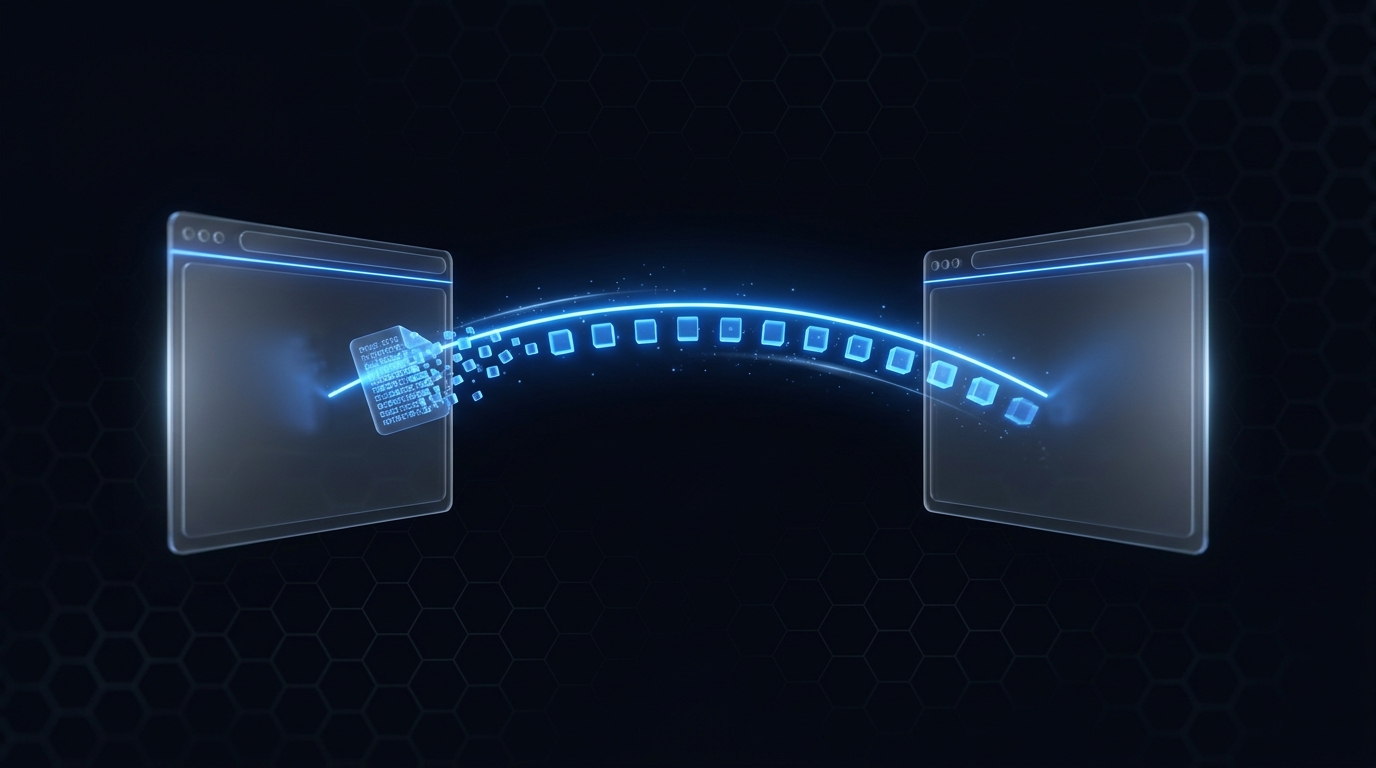
Sending a file usually means uploading it to a server so the other person can download it - two trips over the wire for one transfer, and a copy sitting on someone else's disk. For a local-first file manager that's exactly the wrong shape.
ZumiFiles can move a file directly from one browser to another using a WebRTC data channel. After a brief signaling handshake, the bytes flow peer-to-peer; the file is chunked over the channel and written straight to the receiver's disk via the File System Access API. Nothing transits a third-party server.
Key Technical Concepts Covered
- RTCPeerConnection: establishing a direct peer link.
- Signaling & ICE: exchanging offers, answers, and candidates.
- Chunking with backpressure: streaming large files without exhausting memory.
- Writing to disk: reassembling through a File System Access writable.
Part of the engineering behind ZumiFiles.
Establishing the Connection
Each peer creates an RTCPeerConnection. ICE candidates discovered by each side are handed to the other through a lightweight signaling step (a QR code or short-lived relay), and the receiver listens for the incoming data channel:
const pc = new RTCPeerConnection({
  iceServers: [{ urls: 'stun:stun.l.google.com:19302' }],
});

pc.onicecandidate = (e) => {
  if (e.candidate) sendSignal({ candidate: e.candidate });
};

pc.ondatachannel = (e) => {
  const channel = e.channel;
  channel.binaryType = 'arraybuffer';
  receiveFile(channel);
};
The sending side creates the channel and offer; the receiver applies the offer, answers, and both add each other's ICE candidates as they arrive with addIceCandidate(new RTCIceCandidate(...)).
Chunking With Backpressure
A data channel has a send buffer; push a multi-gigabyte file into it in one loop and you'll exhaust memory or drop the connection. The sender slices the file and respects bufferedAmount, pausing when the buffer fills and resuming on bufferedamountlow:
const CHUNK = 64 * 1024;
channel.bufferedAmountLowThreshold = 1 * 1024 * 1024;

async function sendFile(file, channel) {
  for (let offset = 0; offset < file.size; offset += CHUNK) {
    const slice = await file.slice(offset, offset + CHUNK).arrayBuffer();
    channel.send(slice);
    if (channel.bufferedAmount > 8 * 1024 * 1024) {
      await new Promise((r) => { channel.onbufferedamountlow = r; });
    }
  }
  channel.send(JSON.stringify({ done: true }));
}
Writing Straight to Disk
On the receiving side, ZumiFiles opens a File System Access writable stream and appends each chunk as it arrives - so the file lands on disk incrementally rather than being buffered whole in memory:
async function receiveFile(channel) {
  const handle = await window.showSaveFilePicker();
  const writable = await handle.createWritable();

  channel.onmessage = async (e) => {
    if (typeof e.data === 'string') {         // control message
      if (JSON.parse(e.data).done) await writable.close();
      return;
    }
    await writable.write(e.data);             // raw chunk => disk
  };
}
Conclusion: The Server Was Never Needed
WebRTC gives the browser a genuine peer-to-peer pipe, and the File System Access API gives it somewhere to land. With ICE-based signaling, buffer-aware chunking, and an incremental writable, ZumiFiles transfers files of any size directly between machines - fast, private, and with no upload sitting on anyone's server.