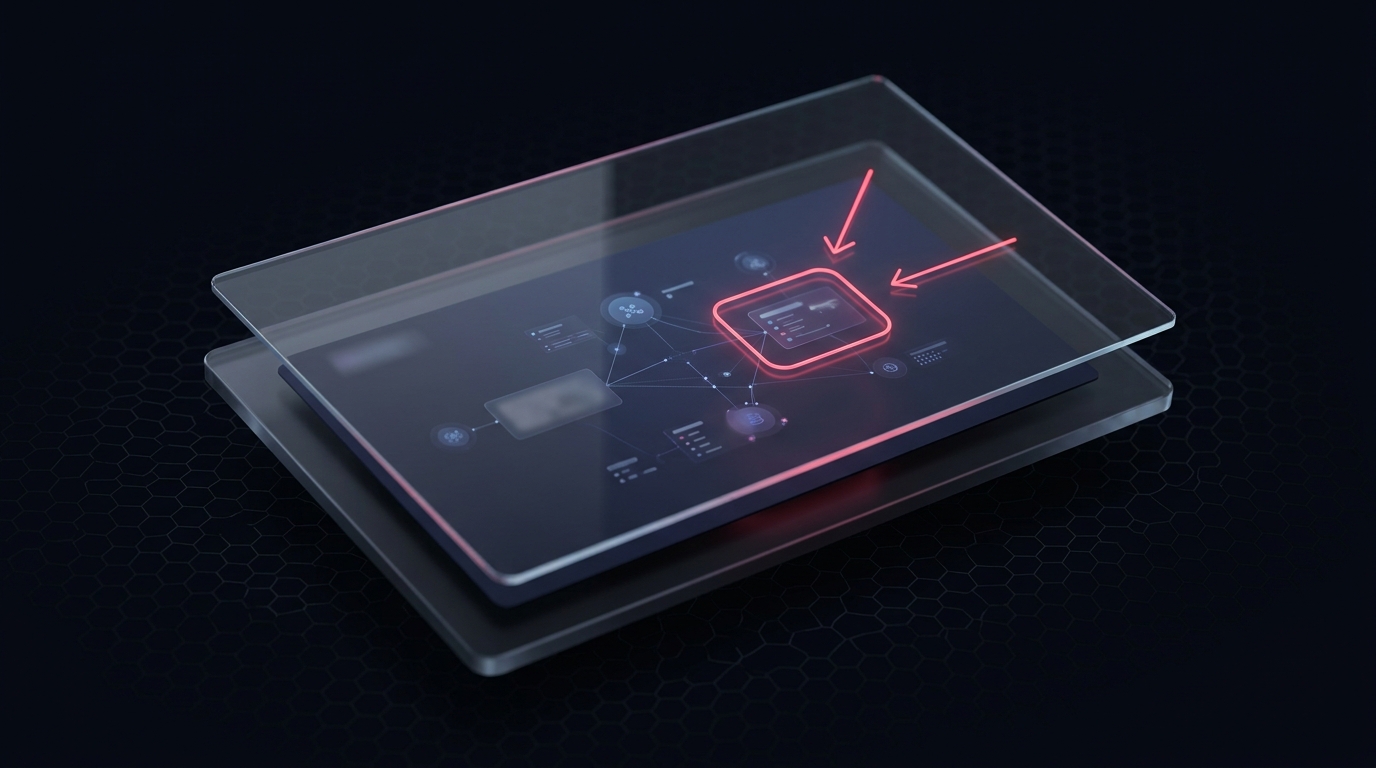
A raw screenshot shows everything; a useful one shows the point. An arrow at the broken button, a box around the misaligned header, a blur over the customer's email - these are what turn a capture into a report someone can act on.
OmniCapt layers a transparent drawing <canvas> over the captured image. You draw with the pointer; on export, the annotations are flattened into a single image. Crucially the base capture is never mutated until you commit - so edits stay non-destructive right up to save.
Key Technical Concepts Covered
- An overlay canvas: a transparent surface sized to the capture.
- Pointer-driven shapes: rubber-band arrows and rectangles.
- Non-destructive editing: the base image stays untouched until export.
- Opaque redaction: permanently black out a region on flatten.
Part of the engineering behind OmniCapt.
The Overlay Canvas
The annotation canvas sits directly above an image canvas holding the capture, matched to its pixel dimensions. All drawing happens on the top layer, leaving the capture pristine:
const overlay = document.createElement('canvas');
overlay.width = capture.width;
overlay.height = capture.height;
overlay.style.position = 'absolute';
overlay.style.inset = '0';
const octx = overlay.getContext('2d');
Rubber-Band Shapes
Drawing a rectangle or arrow is a pointer down / move / up cycle. On each move the overlay is cleared and the shape redrawn from the start point to the cursor - the classic rubber-band interaction:
let start = null;

overlay.addEventListener('pointerdown', (e) => { start = pos(e); });

overlay.addEventListener('pointermove', (e) => {
  if (!start) return;
  const p = pos(e);
  octx.clearRect(0, 0, overlay.width, overlay.height);
  octx.strokeStyle = '#f43f5e';
  octx.lineWidth = 3;
  octx.strokeRect(start.x, start.y, p.x - start.x, p.y - start.y);
});

overlay.addEventListener('pointerup', () => { start = null; commitShape(); });
Flatten and Redact
Export composites the capture and the overlay into one canvas. Redaction is applied here and only here - and it uses a solid opaque fill rather than a blur, because blurred text can sometimes be reconstructed. The covered pixels never reach the exported file:
function flatten(capture, overlay, redactions) {
  // OffscreenCanvas (not document.createElement) so convertToBlob() is available.
  const out = new OffscreenCanvas(capture.width, capture.height);
  const ctx = out.getContext('2d');

  ctx.drawImage(capture, 0, 0);           // base image
  for (const r of redactions) {           // permanent, opaque redaction
    ctx.fillStyle = '#0b0b0b';
    ctx.fillRect(r.x, r.y, r.w, r.h);     // solid fill - the pixels are gone
  }
  ctx.drawImage(overlay, 0, 0);           // arrows / boxes on top
  return out.convertToBlob({ type: 'image/png' });
}
Conclusion: Edit on Top, Commit at the End
Separating a transparent annotation layer from the untouched capture keeps editing non-destructive and the interaction simple. Rubber-band shapes for emphasis, an opaque redaction pass, and a single flatten on export give OmniCapt a lightweight markup tool that produces a clean, shareable image - with the redacted pixels genuinely gone from the file.