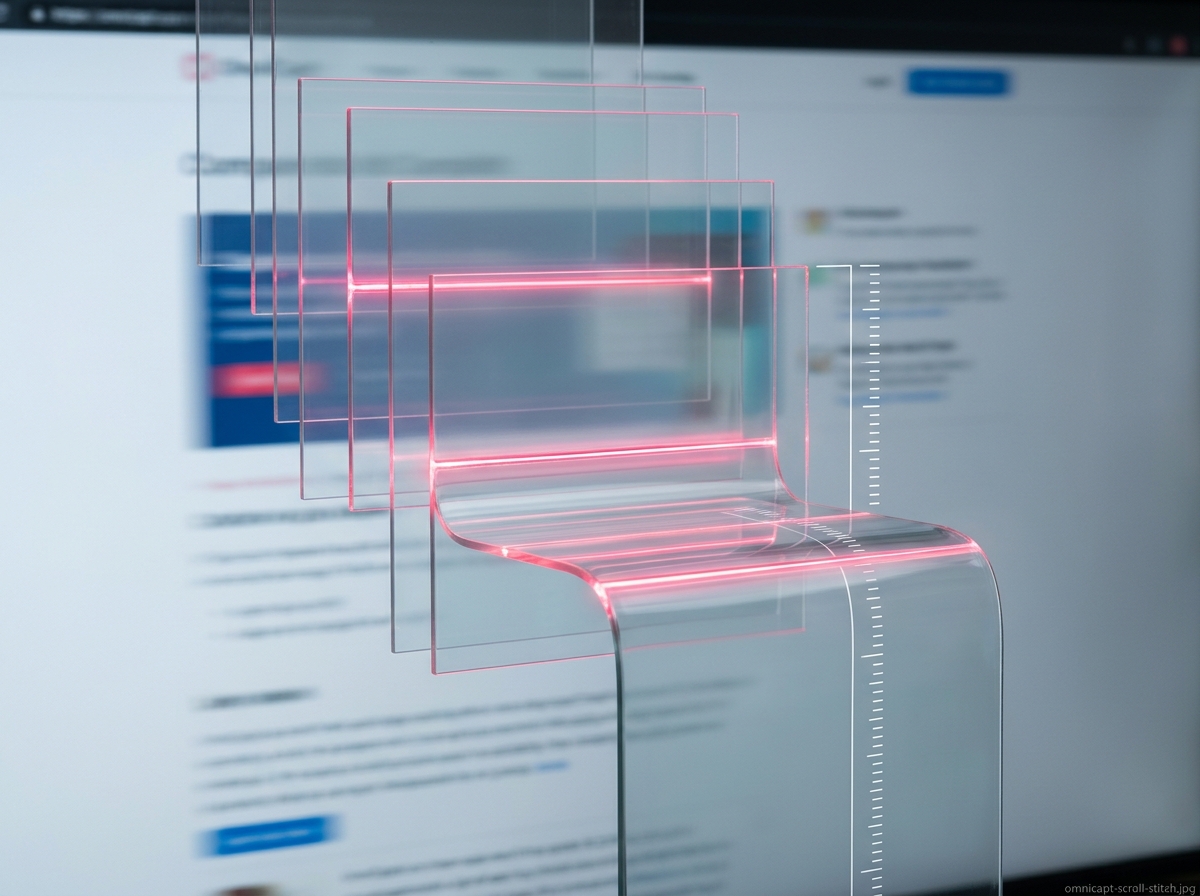
When developing browser extensions, visual capture is usually treated as a solved problem. The standard API call chrome.tabs.captureVisibleTab() provides an instantaneous image of the visible viewport. However, in modern developer workflows, a visible capture is rarely sufficient. Developers need to capture full documentation sites, complex data dashboards, and landing pages down to the very last pixel of the scroll height.
In developing the OmniCapt extension, our goal was to build a full-page scroll-and-stitch algorithm running entirely within the extension sandbox, completely locally. To achieve pixel-consistent results on pages with infinite scrolling, sticky headers, absolute overlays, and heavy memory usage, we had to solve several critical coordinate and render pipeline challenges.
Key Technical Challenges Solved
- Viewport Coordinate Mapping: Calculating precise document dimension thresholds dynamically.
- Layer Isolation: Disabling sticky headers, parallax scripts, and navigation bars temporarily during screenshots.
- Canvas Memory Safeguards: Preventing browser tabs from crashing due to high-resolution browser canvases.
Part of the engineering behind OmniCapt.
Step 1: Calculating Document Boundaries Dynamically
The first step in any scroll-and-stitch algorithm is determining the overall target height of the page. On web pages with dynamic layouts, properties like document.body.scrollHeight or document.documentElement.offsetHeight can report conflicting dimensions depending on CSS overflow rules.
OmniCapt evaluates multiple DOM variables to determine the actual scrollable height, using the maximum calculated value as our canvas limit. This is performed inside a sandboxed content script injected at runtime:
function getPageDimensions() {
  const body = document.body;
  const html = document.documentElement;

  const height = Math.max(
    body.scrollHeight,
    body.offsetHeight,
    html.clientHeight,
    html.scrollHeight,
    html.offsetHeight
  );

  const width = Math.max(
    body.scrollWidth,
    body.offsetWidth,
    html.clientWidth,
    html.scrollWidth,
    html.offsetWidth
  );

  return { width, height, viewportHeight: html.clientHeight, viewportWidth: html.clientWidth };
}
Step 2: Preventing "Ghosting" of Sticky Elements
If you scroll a webpage and snap views sequentially, any element styled with position: fixed or position: sticky (like header bars, cookie banners, or floating chat bubbles) will appear repeatedly in every stitched slice. The result is a page image covered in repeating header bands.
To eliminate this, OmniCapt injects a temporary script before capture that traverses the active stylesheet rules and visible DOM nodes. It identifies elements with absolute/fixed positions and temporarily hides them or sets their position state to absolute relative to the scroll top. Once the capture frames are recorded, the styling state is immediately restored:
// Temp stylesheet rules injected before scroll sequence starts
const style = document.createElement('style');
style.id = 'omnicapt-scroll-silence';
style.textContent = `
  header, [style*="position: fixed"], [style*="position: sticky"] {
    position: absolute !important;
    top: ${window.scrollY}px !important;
  }
`;
document.head.appendChild(style);
Step 3: Stabbing the Infinite Scroll Trigger
Many modern applications use lazy loading and infinite scroll animations to render content dynamically. If the capture algorithm scrolls too fast, it will snap loading spinners rather than actual content. OmniCapt resolves this by introducing a configurable throttle delay between scrolls, allowing the page's layout compiler and API requests to finish rendering before snapping.
Step 4: Stitching Without Memory Crashes
When stitching dozens of 1920x1080 viewport slices, a simple canvas composite can quickly exceed browser limits. For example, a 15,000-pixel-high page captured on a 2x Retina screen requires a canvas of 3840x30000 pixels. Allocating a canvas of this size consumes massive amounts of RAM and frequently triggers Chrome's Out Of Memory (OOM) tab crash.
OmniCapt protects the browser by using progressive off-canvas stitching. Instead of generating one giant canvas in a single frame, slices are written into intermediate binary Blobs using the OffscreenCanvas API where available, and stitched sequentially. If the target height exceeds a safe threshold, OmniCapt automatically prompts or partitions the screenshot into separate linked documents, protecting system memory.
Conclusion: Complete Data Localism
By solving these coordinate, overlay, and canvas allocation challenges, OmniCapt achieves a highly reliable scroll-and-stitch feature that runs 100% inside the user's browser context. The page data never leaves the hard drive, preserving the local-first security promises core to ZumiLabs tools.