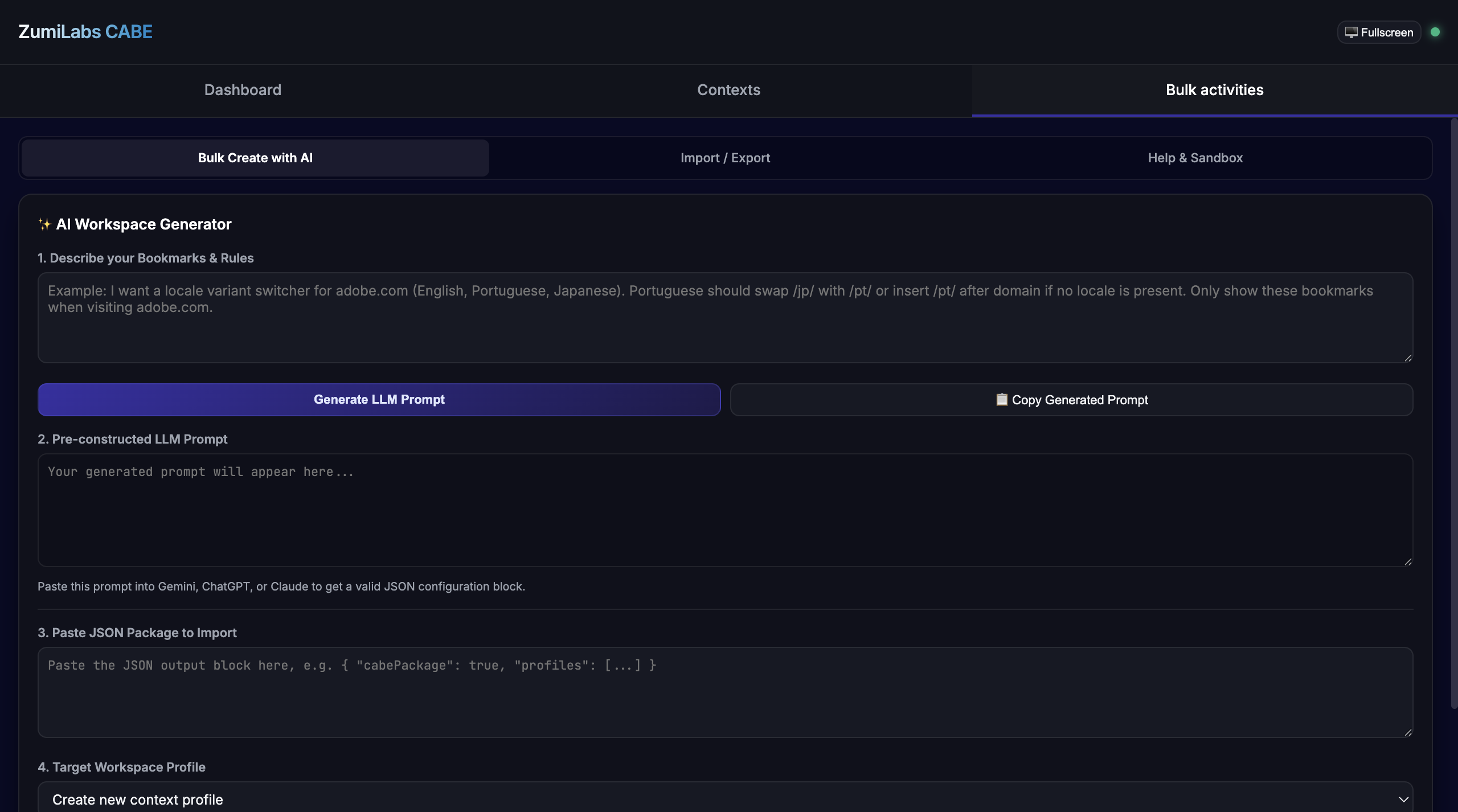
Static bookmark bars don't match how people actually work. The links you want while you're in Jira are different from the ones you want in GitHub or your cloud console - but they all compete for the same strip of screen.
CABE is a Chrome extension that makes bookmarks context-aware: it watches which site you're on and surfaces the matching workspace of links automatically. It also resolves dynamic, parameterized bookmarks and exposes them through the omnibox for keyboard-first jumps.
Key Technical Concepts Covered
- Active-tab tracking: react to tab activation and navigation.
- Domain matching: map a hostname to a workspace of links.
- URL template resolution: fill dynamic placeholders at click time.
- Omnibox integration: jump to a bookmark by keyword.
Part of the engineering behind CABE.
Knowing Where You Are
CABE listens to two tab events: onActivated (you switched tabs) and onUpdated (the active tab navigated). Both resolve to the current hostname, which is the key the rest of the system keys off:
function currentHost(url) {
  try { return new URL(url).hostname.replace(/^www\./, ''); }
  catch { return null; }
}

chrome.tabs.onActivated.addListener(async ({ tabId }) => {
  const tab = await chrome.tabs.get(tabId);
  applyWorkspaceFor(currentHost(tab.url));
});

chrome.tabs.onUpdated.addListener((_id, info, tab) => {
  if (info.status === 'complete' && tab.active) {
    applyWorkspaceFor(currentHost(tab.url));
  }
});
Matching a Workspace
Each workspace declares the domains it owns. CABE finds the most specific match - so company.atlassian.net beats a generic fallback - and swaps the visible bookmark set to that workspace's links:
function matchWorkspace(host, workspaces) {
  return workspaces
    .filter((w) => w.domains.some((d) => host === d || host.endsWith('.' + d)))
    .sort((a, b) => b.specificity - a.specificity)[0] || null;
}
Dynamic Bookmarks and the Omnibox
Some links aren't fixed URLs but templates - “open this Jira ticket,” “search our docs.” CABE stores them with placeholders and resolves the template against a query at click time:
function resolveTemplate(template, vars) {
  return template.replace(/\{\{(\w+)\}\}/g, (_, key) => encodeURIComponent(vars[key] ?? ''));
}
// resolveTemplate('https://jira/browse/{{ticket}}', { ticket: 'ABC-42' })
// => 'https://jira/browse/ABC-42'
The same resolver powers the omnibox: register a keyword, and typing it plus an argument jumps straight to the resolved URL without ever opening the bookmark bar:
chrome.omnibox.onInputEntered.addListener((text) => {
  const [keyword, ...rest] = text.split(' ');
  const bookmark = findByKeyword(keyword);
  if (bookmark) chrome.tabs.update({ url: resolveTemplate(bookmark.template, { q: rest.join(' ') }) });
});
Conclusion: Bookmarks That Follow Your Work
By keying off the active domain and resolving templates on demand, CABE turns a static bookmark bar into something that reshapes itself around whatever you're doing. Tab listeners for context, specificity-ranked matching, and a tiny template resolver - wired to the omnibox - add up to bookmarks that are always the right ones.