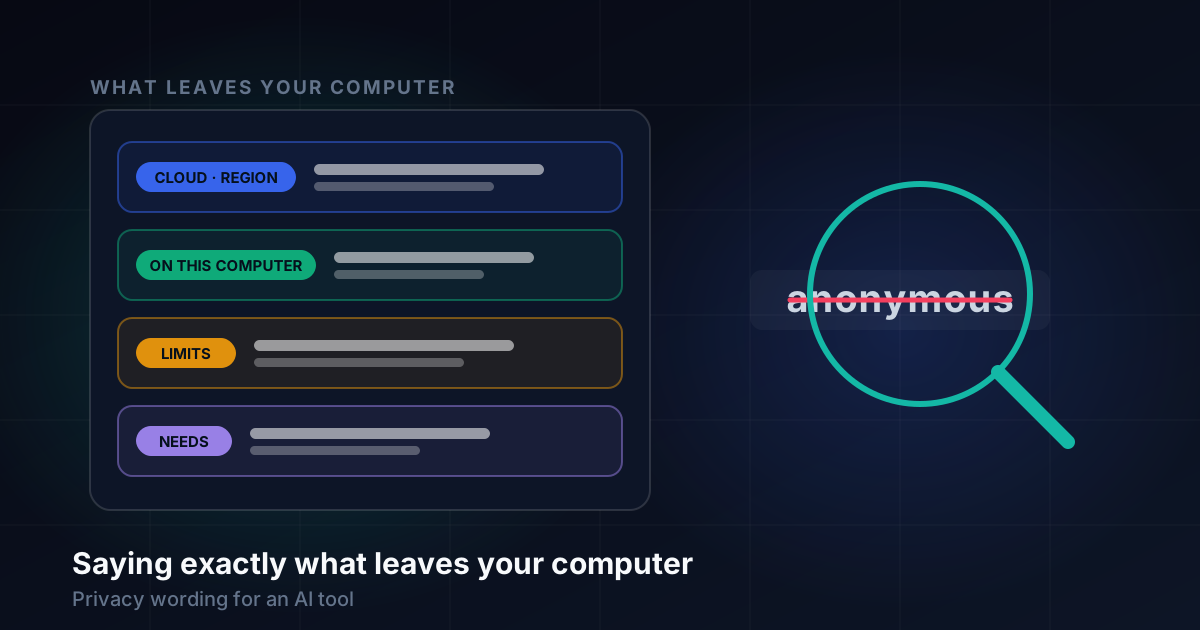
What this article covers
- The word I reached for first
- What the report actually is
- A privacy claim is four answers
- One notice system for every transcriber
- A page an ordinary person can read
- Not touching the computer before you ask
- The smaller promises, checked one by one
- Where "never" was wrong
- When an organisation is the reader
- What I would tell someone writing the same page
Part 7 of 7 in the Building ZumiScribe series. Try ZumiScribe, free in your browser.
The word I reached for first
ZumiScribe is a transcription app that runs as a web page. You pick a speech service, press Record, and it writes down what is said and who said it. Some of those services are cloud companies. Others run entirely on your own computer, and two of the local ones use speech and speaker models from Desert Ant Labs, called Voz and Who.
Those models are free to use under a source-available licence, and the licence comes with a condition: once a month, each model tells Desert Ant Labs that it was used. When I first wrote this down for users, the word that came to mind was the usual one. It is an anonymous usage count. No audio, no text, nothing personal.
Then I looked at what the request actually contains. It carries a random ID that is created once and kept, so the same browser or the same Mac sends the same ID every month. That is the whole point of it: Desert Ant Labs want to count devices, and you cannot count devices without telling one from another. And like any request on the internet, it reaches their server with the computer's internet address.
A persistent identifier plus an IP address may not count as anonymous under GDPR. I am not a lawyer, but I did not need one to see the problem: if a careful reader could reasonably argue that my one-word summary was wrong, it was doing more harm than good. So the plan for the feature now says it plainly: say what is sent, rather than "anonymised". "No audio, no text, no names" is accurate. "Anonymous" is arguable.
What the report actually is
Before rewording anything I measured it. Each model makes two requests per device per calendar month to Desert Ant Labs' events server: one when it loads, which gets back a signed token for the month, and one after the first use. The first carries the app's name (in the browser, the host name of the site), a random ID, the model and its version, the platform and the SDK version. The ID and token are kept in the browser's storage, and nothing more is sent that month. Clearing the site's data makes a new ID.
Testing also showed that under Node, on the Mac, the SDK made a new ID every time the process started, so every restart would have counted as another device; a small store saved to a file fixed that. And with the licence server unreachable the models still work, so the app keeps working offline. The licence forbids blocking the report on purpose, so that is a fact for offline use, not a switch to offer.
The data-handling page now lists those facts: once a month each model tells Desert Ant Labs it was used, so they can count devices; the request carries a random ID for this browser (or this Mac), the site's or app's name, the model and its version; and like any request it reaches them with your internet address. It cannot be switched off, and ZumiScribe asks you to confirm before the first use.
A privacy claim is four answers
Rewriting that one notice gave me a test I now apply to every sentence about data. A claim is only useful if it answers four questions:
- What is sent? Not "data", but audio, a transcript, a word, a file name, an ID.
- To whom? A named company, with the actual host name where I know it.
- How often? While you record, once when you press a button, once a month.
- From where, and with what? Your browser, the Mac app, a helper on this computer, and with your internet address attached, because every request has one.
"Private by design" answers none of those. "Your audio is sent to Deepgram (api.deepgram.com) and handled under their terms" answers the first two outright, and the data-handling page answers the other two: only while you record or transcribe a file, straight from the page. It is less comforting and much more useful.
One notice system for every transcriber
The trouble with good wording is keeping it consistent across about twenty transcribers. Before Voz and Who arrived, each provider had one free-text note under its key box in Settings. Anything important, such as what leaves the computer, licence conditions or what it needs, got lost in that paragraph, and the welcome's comparison table could not show it at all.
So each provider now carries a list of typed notices, and the kinds are a fixed list in one small module:
| Kind | Label | Used for |
|---|---|---|
| cloud | Sent to the provider | the audio leaves the computer: which company, and where if known |
| telemetry | Usage reported | the audio stays, but something is reported |
| local | Stays on this computer | nothing at all is sent |
| licence | Licence | attribution and conditions |
| needs | Needs | WebGPU, the Mac app, a helper, a download size |
| limit | Limit | files only, no live speaker labels, a maximum length |
Each kind has its label and a tone (warning, information or good) that sets its colour, so every provider's notices look alike. The original plan also gave each kind an icon; what shipped is the label and the colour.
One module renders them, so each place they appear is a few lines of code: labelled rows in Settings, small labels in the welcome's comparison table with the full text on hover, and one line on the progress card while a file is transcribed, limited to the kinds that say what leaves the computer. A notice can also need acknowledging. It is shown in a dialog before the first use, with the choice to continue or pick another transcriber, and the answer is stored against a number. When the wording or the facts change, I raise the number and everyone is asked again.
Writing a "cloud" notice for every provider was humbling. Most name only the company and its host names, because that is all I know for certain. Speechmatics says "its EU service" because that is the endpoint the app uses; Azure says your own resource, in its region or at the endpoint you set. Where I do not know the region, the notice does not guess.
A page an ordinary person can read
All of this is gathered on one page, "What happens to your data". It is written for someone who has never heard of an API, and it has four parts: what stays on your computer, what leaves it, what you are responsible for checking, and how to keep less and delete.
The "what leaves" part is a table with one row per transcriber and the actual host names the audio goes to. The local ones say "Nowhere", then say what does go somewhere: the usage count, or the one-time model download. The responsibility section matters most to me. It says that how long a provider keeps audio, and whether it trains on it, has not been checked here and can change. It says that laws about recording differ, that some need everyone's consent, and that a spoken notice helps people give consent but does not replace it. It ends with "This page is not legal advice."
The plan was for this page to build its table from the app's own provider list, so the two could never disagree. That has not happened yet. The page is still hand-written, which is exactly why I had to check it against the code.
Not touching the computer before you ask
Some privacy problems are not about wording at all. ZumiScribe can talk to things on your own machine: Ollama for summaries, and the ZumiScribe Local app for on-Mac transcription. When a page on the internet tries to reach a local address, Chrome asks the user whether to let it access other apps and services on the device.
The early version checked for those services in the background, so a first-time visitor still reading the welcome could meet a Chrome permission prompt with no context. Refusing that is reasonable, and it made the app look sneaky.
The fix was a rule: nothing on the computer is probed while the welcome is showing or before Settings is opened. When the check does run, the page first explains, in its own words, that Chrome may now ask, that it is how the page finds Ollama or the Mac app, and that Allow is the right answer if you want to use them.
The smaller promises, checked one by one
Once I had the four-question habit, I went through the other claims.
Keys. ZumiScribe has no server of its own. API keys stay in the browser, in one of three ways you choose: until the tab closes, on this device as plain text, or on this device locked with a passphrase. The FAQ says plain storage can be read by anyone using the same browser profile. Keys go only to their provider, with one exception written down: for AssemblyAI live, the key goes to a small helper on this computer, which fetches a short-lived token and does not store or log it.
Captions on phones. People can follow the captions through a small relay you run. Only text is sent, never audio: the bubbles, the words being spoken, speaker names and the title. A PIN can be required, though the page says plainly that the PIN is in the link, and anyone with the link can read the captions. Treat it like a meeting invitation.
Reading a screenshot. A pasted screenshot of a calendar event or participants list fills in a meeting's title and people. It uses Chrome's own text reader if that is switched on; otherwise it asks, then downloads a small text-reading library and its English data. Those downloads are the only network use. The picture is read on the computer.
Assistants. An optional program lets an AI assistant search and read your saved transcripts over the Model Context Protocol. It runs on your computer, is read-only, reads only the folder you give it, and skips private notes, actions and attachments; a test plants a private note in a transcript and checks it never comes out. But read-only is not private: what the assistant asks for is sent to that assistant and to whoever runs it. So the advice is to connect it only to a library you would show them.
Where "never" was wrong
The word that needs the most suspicion, after "anonymous", is "never". Our feature list and FAQ said that pictures and private notes are never in exports. When I checked the export code, that was not true.
What actually happens is this. Pictures and private notes are left out of the text exports: Markdown, plain text, SRT subtitles and WebVTT captions. The PDF and Word exports are different. They exist so you can have a document with your screenshots under the words they belong to, so they ask what to include every time. Pictures are ticked by default, and notes and actions are off by default and labelled as private. The transcript data file (.json) is the recording itself, so it keeps everything.
That behaviour is reasonable, and it asks. The problem was the sentence describing it, simplified into a promise the code did not make. Each "never" on a privacy page is a claim about every code path, and has to be checked against every one.
When an organisation is the reader
Our enterprise plan is honest about one limit: the app runs in the person's browser, so someone holding their own keys can bypass any setting the page shows. A policy the page reads from a server is advisory, not a security boundary; real enforcement needs a server in the path that holds the keys. The plan also has a rule I would apply to any small product: say nothing we cannot support, and make no GDPR, HIPAA or similar claims without review by someone qualified.
What I would tell someone writing the same page
Replace every adjective with the four answers: what, to whom, how often, from where. If you cannot answer one of them, say so on the page rather than reaching for a reassuring word.
Be wary of "anonymous". If something has a persistent ID, describe the ID. Readers can decide for themselves what it means, and you will not have to defend a word.
Be wary of "never". Find the code path for each one before you write it, and check again when you add an export format.
Keep the facts in one place in the code and render them everywhere, and version the acknowledgements so changed facts are asked about again.
Do not let the browser ask a permission question your page has not explained. And write down what you do not know, such as a provider's retention or a region you have not confirmed. That is more trustworthy than a page that seems to know everything.
Transcripts that know who said what
Live captions, speaker labels, pictures in context and summaries, in your browser. There is no ZumiScribe server: transcripts stay in your browser or your own folder, and you choose which transcriber hears the audio, including ones that run on your own computer.
Try ZumiScribe