Pick an era
Browse 90 eras from the 1970s to the 2010s, search by name, or filter by family. Each card shows the era's colour palette and a sample image. Not sure? Press Surprise Me.
Postmodern & MemphisCyber & Net ArtY2KRetro-FuturismGrunge
Pick one of 90 looks from the last fifty years, from 1970s Disco Deco to 2000s Frutiger Aero. Describe what you want to see, and copy a detailed prompt for Midjourney, Gemini, ChatGPT or Flux. The era's colours, materials, lighting and framing are written in for you.
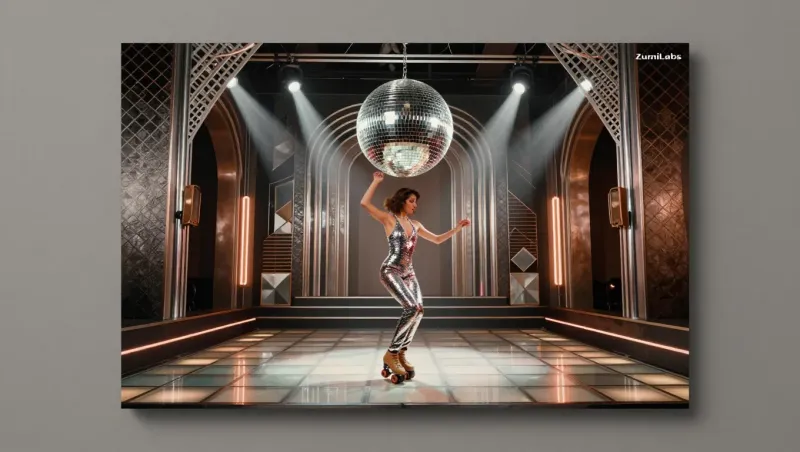 1970sDisco Deco
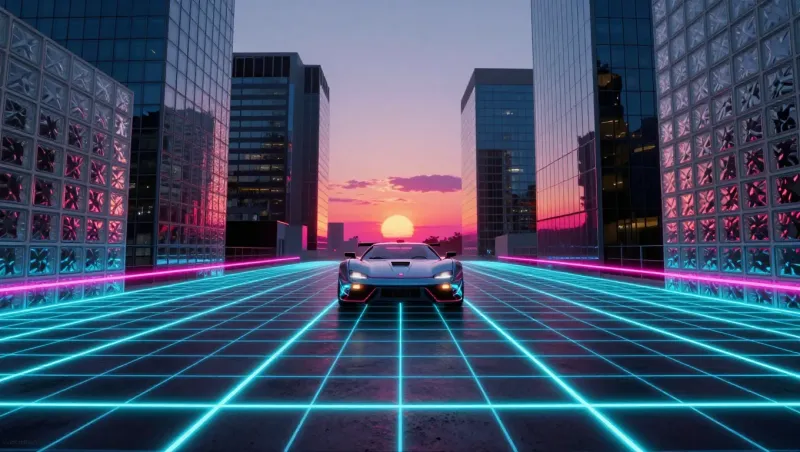 1980sLaser Grid
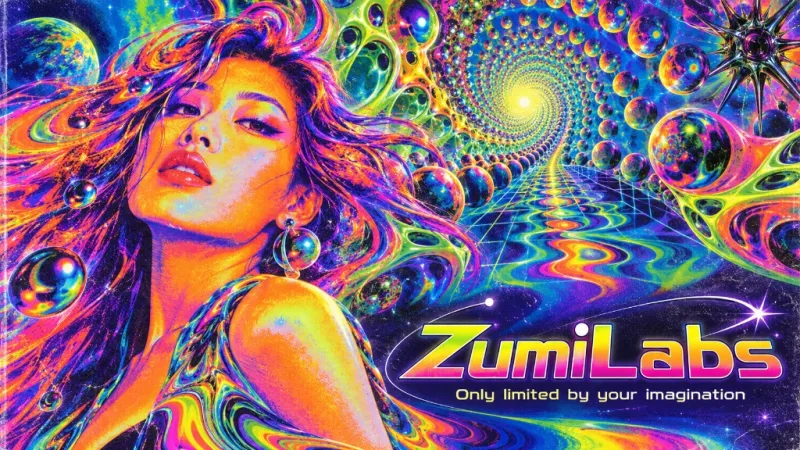 1990sCyberdelia
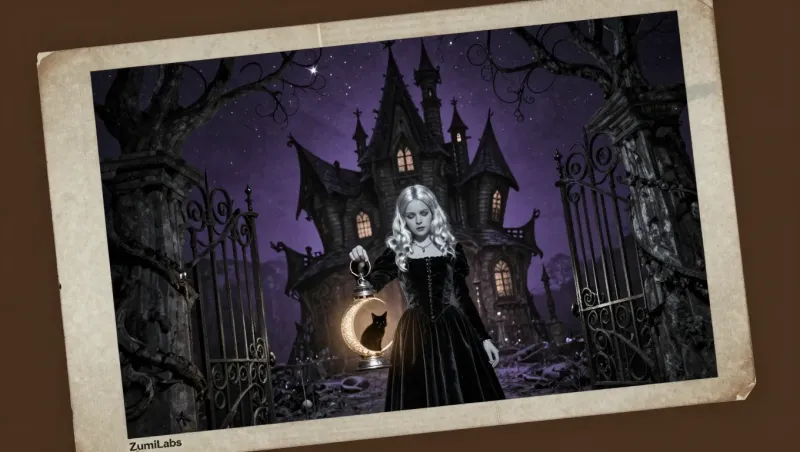 1990sWhimsigothic
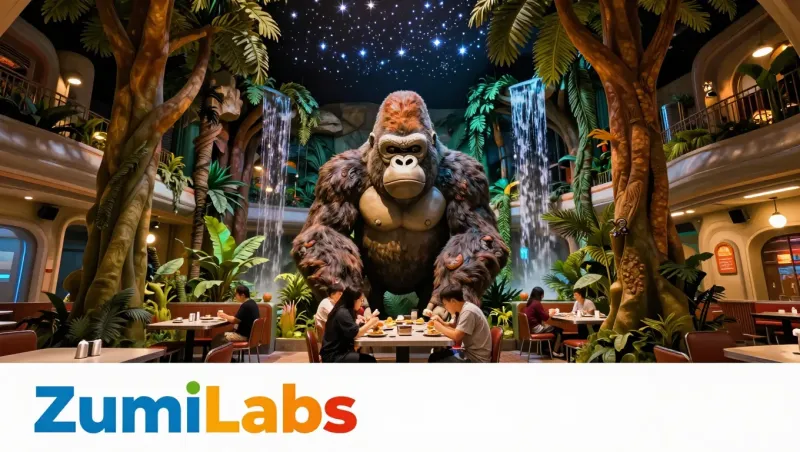 1990sThemed Spaces
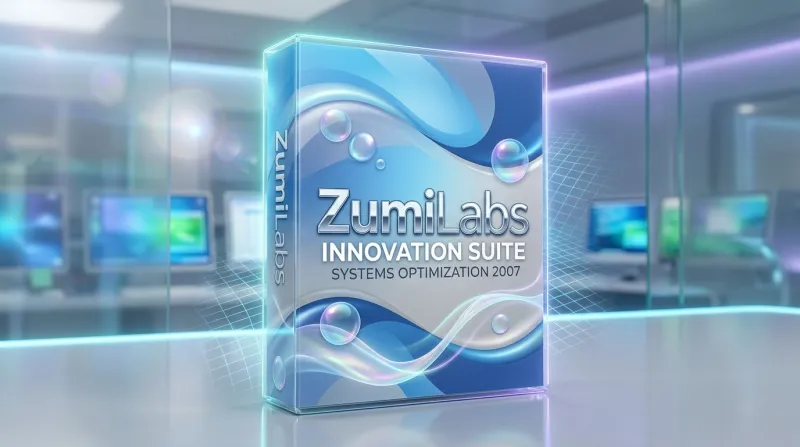 2000sFrutiger Aero
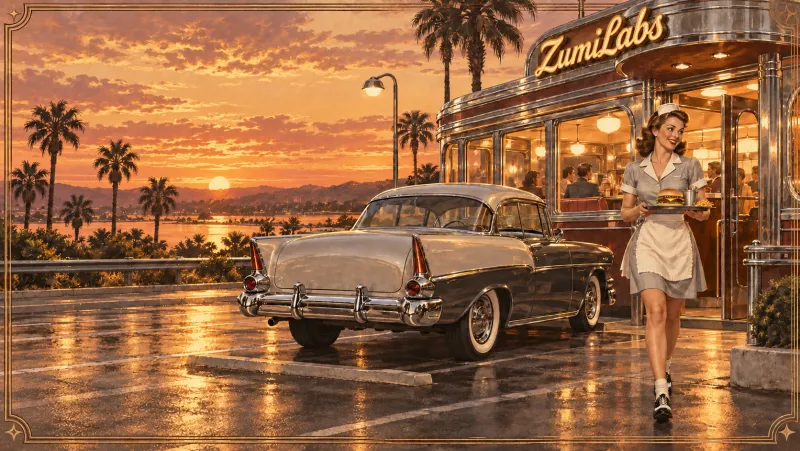
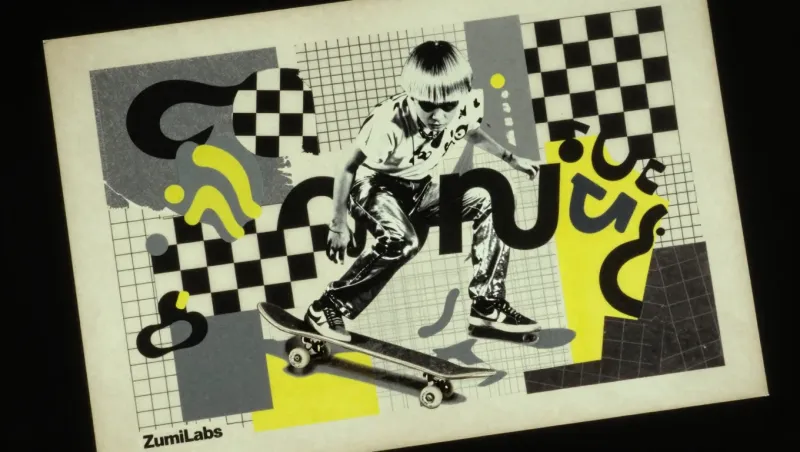
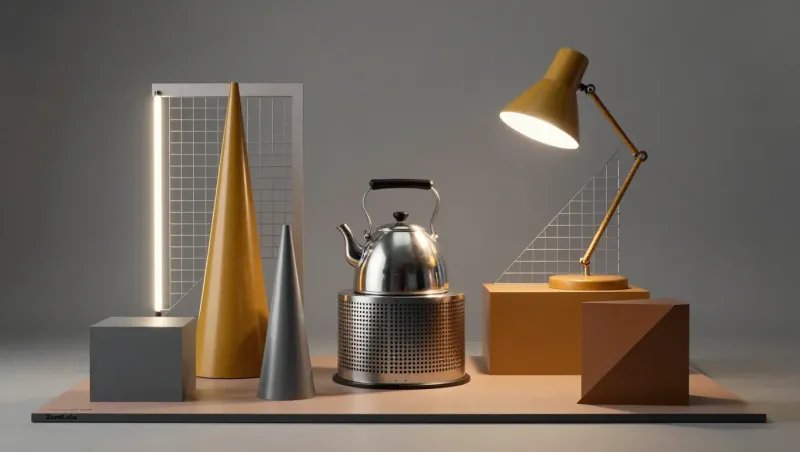
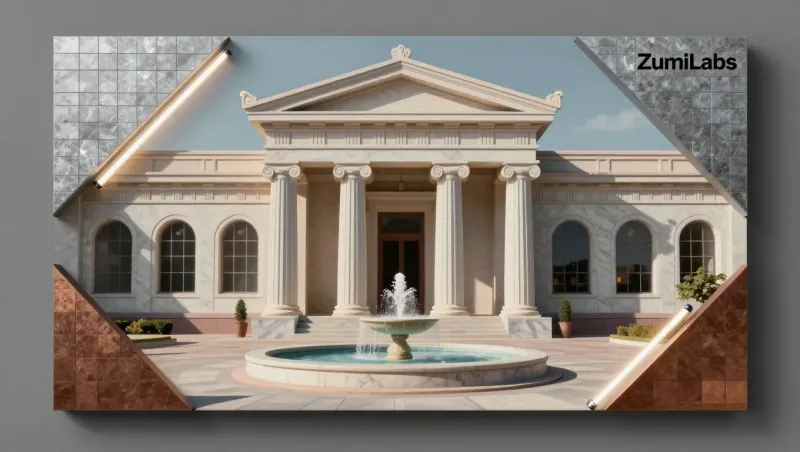
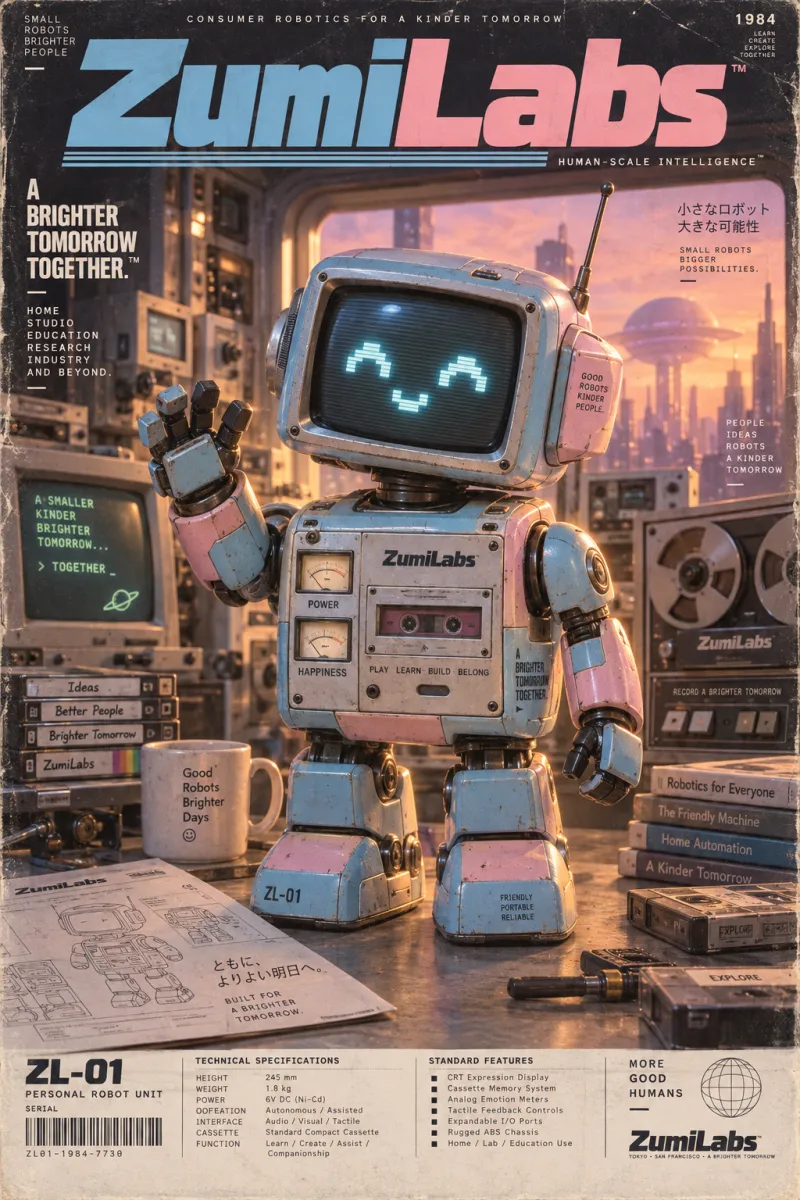
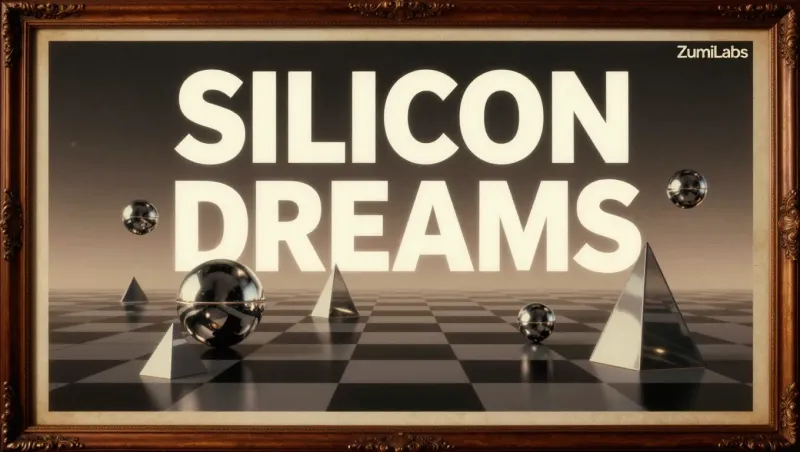
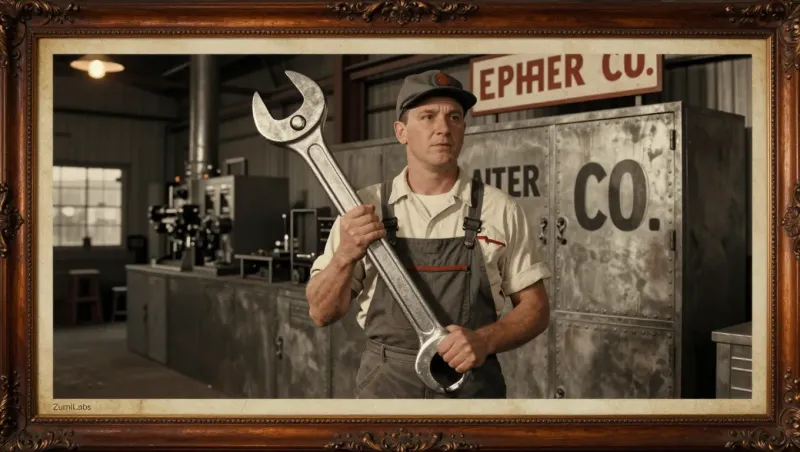
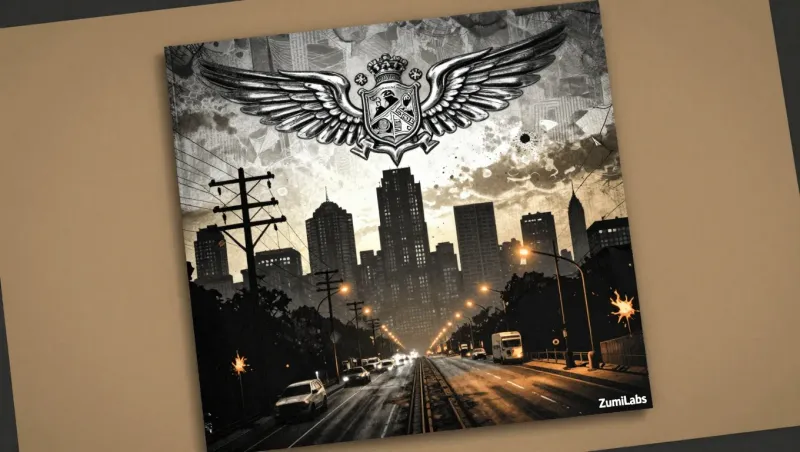
Sample images from six eras. Click one to open that era in the tool.
Writing "make it look 1980s" gets you a generic result. Each era in Era Prompts carries the details that make a style recognisable, so your prompt says exactly what to draw and how.
Browse 90 eras from the 1970s to the 2010s, search by name, or filter by family. Each card shows the era's colour palette and a sample image. Not sure? Press Surprise Me.
Type your subject and setting, and add a title or logo if you want lettering in the image. Choose a format such as a poster, album cover or website banner, and the shape. Change the lighting, the medium or the whole colour scheme if you like.
Pick your AI tool and copy. Each one gets a prompt written the way it reads best, with the image size and the things to avoid included. Paste it straight into your image tool.
Here is the Laser Grid era with a subject and setting typed in, copied in the Gemini format. The highlighted words are what was typed; everything else came from the era.
A striking evocative visual scene in the authentic Laser Grid (1980s) aesthetic. The artwork features a futuristic sports car racing toward a glowing sunset positioned within an infinite neon laser-grid plain with glass-block corporate towers on the horizon. Framed with dramatic geometric perspective with receding laser grid lines, low-angle architectural view. The visual is distinguished by tactile translucent architectural glass blocks, reflective corporate skyscraper smoked glass, glowing 3D perspective laser grids, illuminated by intense neon laser line illumination. Rendered as authentic period medium, emphasizing a color palette of luminous laser cyan, electric magenta lines, airbrushed liquid chrome, reflective glass and obsidian darkness (#06b6d4, #ec4899, #e2e8f0, #334155, #020617). Captured with authentic period print fidelity, sharp graphic design details, and high visual clarity.

Dimensions: 16:9 cinematic widescreen (1792×1008).
Avoid: messy graffiti, distressed grunge, organic mud, casual cartoons, low-contrast washed out, blurry, low quality.
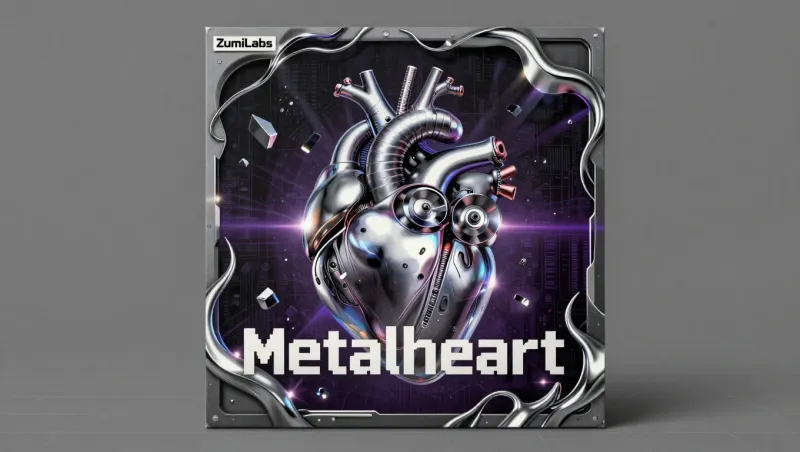
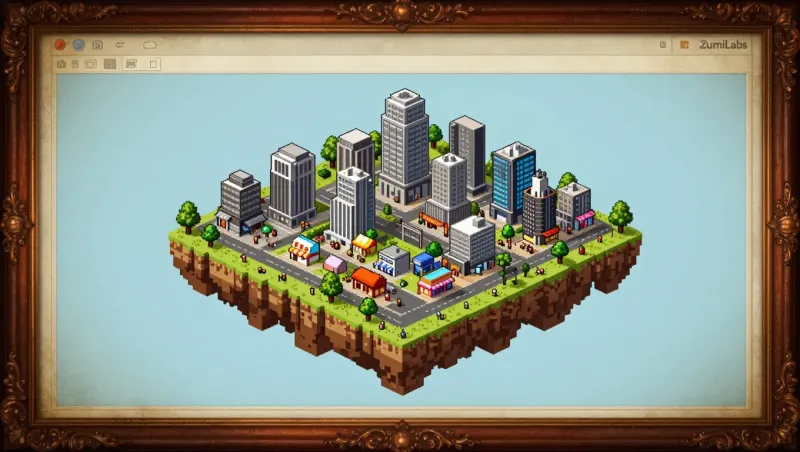
The result, made on a Mac with Z-Image Turbo in ZumiForge, and the Laser Grid palette. We also asked for a small ZumiLabs mark in one corner.
A few of the eras and their sample images. In the tool, every era has a sample image, and most open with the exact prompt that made it, ready to edit and copy.
Each era is a small style guide. Era Prompts writes these into your prompt so the AI doesn't have to guess what "1980s" means.
The era's own colours, named and with hex codes, so the AI sticks to them. Swap in Neon Blue, Pastel, Noir and other schemes, or type your own.
Glass blocks and smoked glass for Laser Grid, laminate and terrazzo for Memphis, xerox grain and torn newsprint for the grungier eras.
The light the era was photographed or painted in: gallery spotlights, neon rim light, harsh flash, warm amber glow. Change it with one menu.
How pictures of the time were laid out: receding perspective grids, off-centre cut-and-paste collage, asymmetric geometric balance.
A scene, poster, album cover, CD case, magazine spread or website banner, with or without space left for your own text, in square, portrait, widescreen or ultrawide.
Each era lists what would spoil it, such as grunge in a clean corporate style, and adds it to the prompt as a negative prompt.
The 90 eras, their names and their descriptions come from the Consumer Aesthetics Research Institute (CARI), which documents the visual styles of everyday design: packaging, shop interiors, adverts, software and album art. Every era in Era Prompts links to its CARI page, so you can see real examples from the time. Era Prompts turns that research into prompt wording for AI image tools.
--- between them, and each becomes its own image.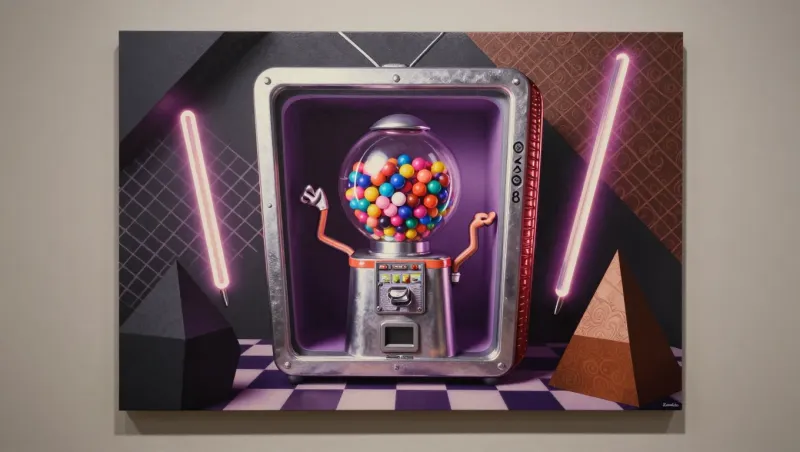
No. It writes the prompt; you paste it into the AI image tool you already use, such as Midjourney, Gemini, ChatGPT or a Flux model. That keeps it free and lets you use whichever tool you like.
It's free, with no account and nothing to install. It opens in any modern browser.
Nowhere. Era Prompts runs entirely in your browser: the eras are a file it loads, and your subject, title and settings never leave the page. Only when you paste the prompt into an AI tool does that tool see it.
Midjourney v6.1, Gemini and Imagen, ChatGPT and DALL·E, and Flux. Each gets its own wording: Midjourney gets its --ar, --stylize and --no settings, the others get full sentences with the size and the things to avoid written out.
Yes, for most of them. Sample images with a Prompt button open the exact prompt that made them, which you can edit and copy.
That was its working name, after the CARI archive it's built on. The address stays the same so existing links keep working.